How to trigger an event when a recipient declines an envelope in DocuSign
Here is how to trigger an event when a recipient declines an envelope in docusign
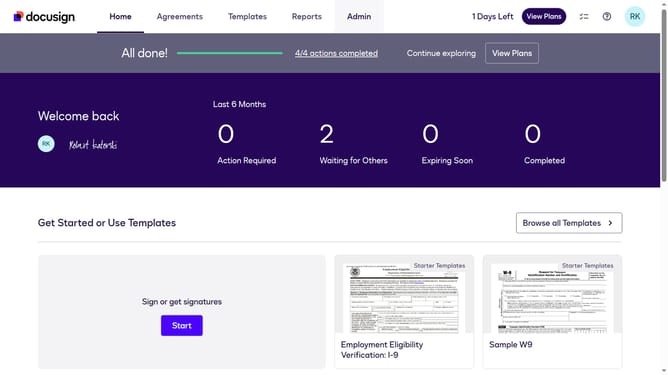
- First click on the "Admin" tab in the top navigation menu
- Then scroll down to view more options
- Next click on the "Connect" option in the left sidebar under the INTEGRATIONS section
- Then click on the "Actions" dropdown button next to a custom configuration you want to enable a trigger event in the configurations table
- Next click on the "Edit" option from the Actions dropdown menu
- Then scroll down the page to view the Trigger Events section
- Next expand the "Envelope and Recipients" section by clicking on the arrow down button next to it
- Then check the "Recipient Declined" checkbox in the Envelope Events section
- Next scroll down further to view additional configuration options
- Finally click on the "Save Configuration" button to save the changes
Why should you trigger an event when a recipient declines an envelope in DocuSign
DocuSign revolutionizes digital transactions by offering secure and efficient electronic signature solutions.
One valuable feature is the ability to trigger an event when a recipient declines an envelope. This feature ensures you are immediately notified, helping to streamline your workflow and improve response times.
Utilizing this feature allows you to quickly address and resolve issues, maintaining a smooth and effective communication process. It enhances your ability to adapt and respond, ensuring consistent satisfaction across all parties involved.
Last update