How to hide the actions menu in a permission profile in DocuSign
Here is how to hide the actions menu in a permission profile in docusign
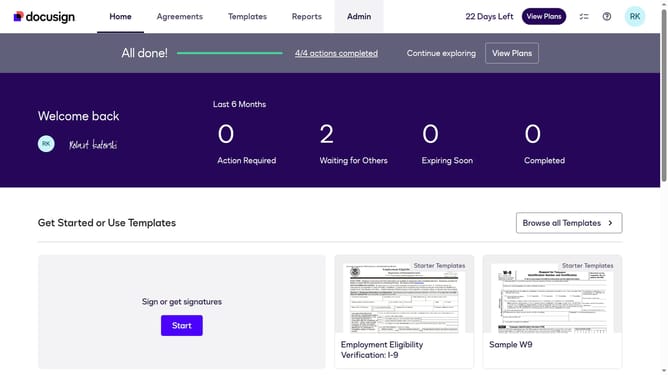
- First click on the "Admin" link in the top navigation menu
- Then scroll down the page to view the sidebar menu options
- Next click on "Permission profiles" under the USERS AND GROUPS section
- Then click the "Actions" dropdown button next to a permission profile
- Next select the "Edit" option from the dropdown menu
- Then scroll down in the "Edit Permission Profile" modal dialog
- Then click on the "Hide Actions menu" checkbox to enable it
- Finally click on the "Save" button to save the changes
Why should you hide the actions menu in a permission profile in DocuSign
DocuSign is a leading platform for electronic agreements, designed to make digital transactions seamless and efficient.
One useful feature of DocuSign is the ability to hide the actions menu within a permission profile. This enhances security by limiting access to critical functions, preventing unauthorized actions and ensuring only designated users have necessary controls.
By concealing the actions menu, organizations can streamline processes, maintaining focus and reducing potential errors, all while supporting compliance and user management strategies effectively.
Last update