How to exclude documents from webhook payloads in DocuSign
Here is how to exclude documents from webhook payloads in docusign
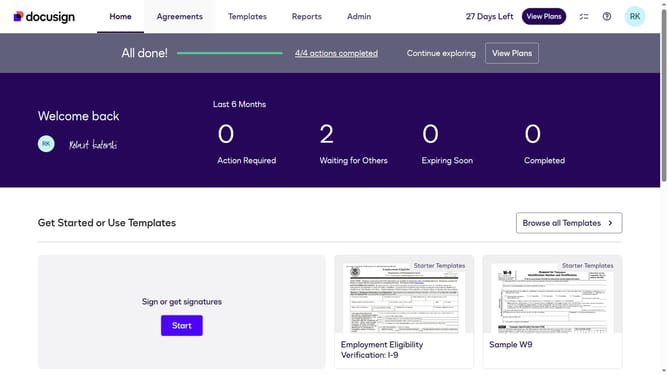
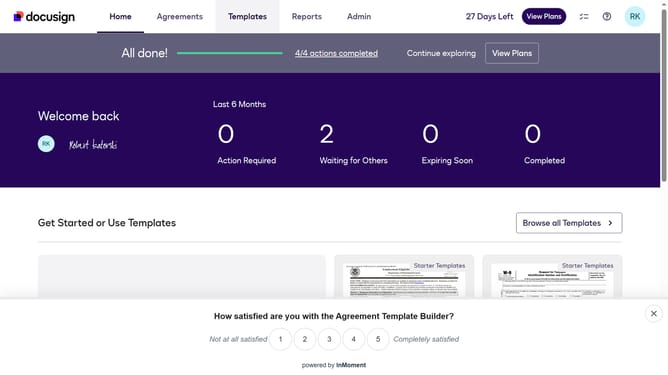
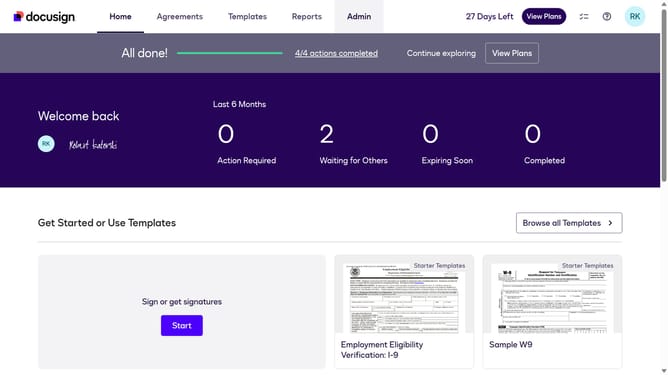
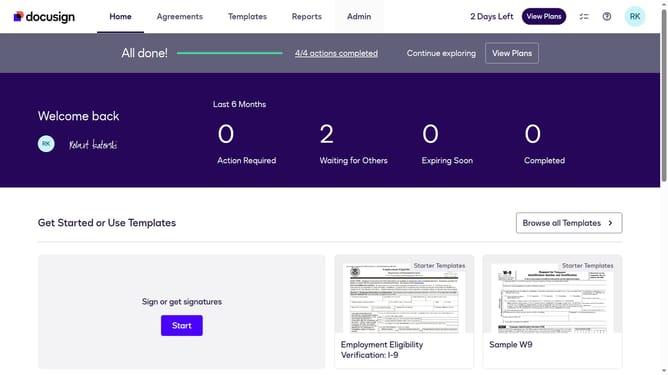
- First click on the "Admin" link in the top navigation menu
- Then scroll down the page to view more content
- Next click on the "Connect" link in the left sidebar under the INTEGRATIONS section
- Then click on the "Actions" dropdown button next to a custom configuration in the configurations table
- Next select "Edit" from the Actions dropdown menu
- Then scroll down to view the Trigger Events section
- Next click on the "Envelope and Recipients" expandable section to open it
- Then scroll down and click Include Data section dropdown button
- Next uncheck the "Documents" checkbox to disable Documents in the payload
- Then scroll down to the bottom of the page to view the save button
- Finally click on the "Save Configuration" button to save the changes
Why should you exclude documents from webhook payloads in DocuSign
DocuSign is a leading eSignature and transaction management service designed to make digital contract processes seamless.
The feature of excluding documents from webhook payloads in DocuSign provides users with streamlined data management by allowing them to customize the information they receive.
By using this feature, organizations can concentrate on specific data elements, reducing unnecessary data transmission and consequently enhancing processing efficiency.
This focused data delivery can lead to increased operational productivity and reduced data clutter, making overall workflows smoother and more efficient.
Last update