How to show your address and phone number on your ID card in DocuSign
Here is how to show your address and phone number on your id card in docusign
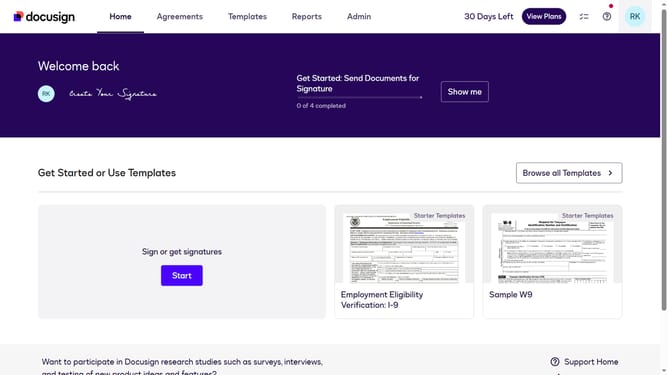
- First click on the your profile icon in the top right corner of the header
- Then click on "My Preferences" option in the dropdown menu
- Scroll down in the General Settings menu
- Next click on the "Address and phone number " checkbox
- Finally click on the "Save" button again to confirm the changes
Why should you show your address and phone number on your ID card in DocuSign
DocuSign revolutionizes how you manage digital agreements, making the process faster and more secure.
Displaying your address and phone number on your ID card within DocuSign optimizes your digital identification, ensuring immediate access to essential contact details. This feature enhances transparency and communication efficiency during remote processes.
By including this information, you maintain a consistent professional presence. It eliminates the need for repeated exchanges of basic info and fosters a smoother, trust-building experience for both parties involved.
Last update