How to enable OneDrive as a document source in DocuSign
Here is how to enable onedrive as a document source in docusign
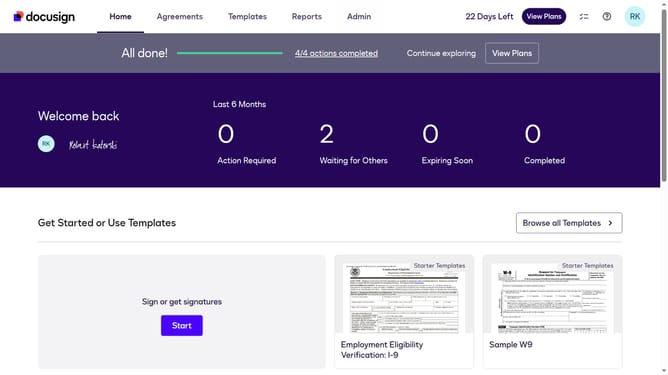
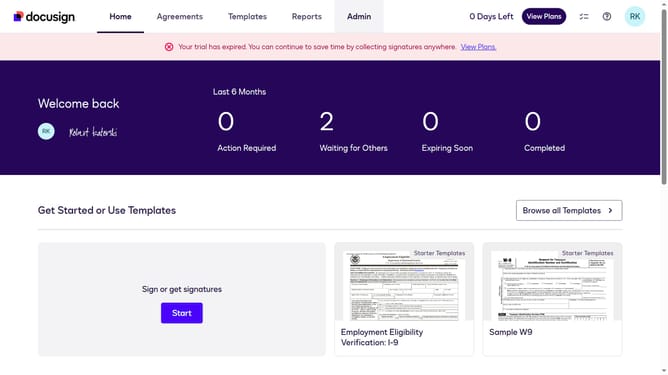
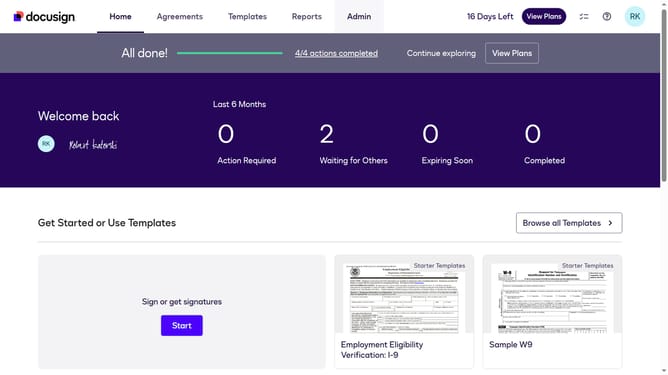
- First click on the "Admin" tab in the top navigation menu
- Then scroll down the page to view more admin options in the sidebar
- Next click on "Sending Settings" in the left sidebar under the "SIGNING AND SENDING" section
- Then scroll down the page to view the "Document Sources" section
- Next click the checkbox next to "OneDrive" to enable it as a document source
- Finally click on the "Save Changes" button to apply the settings
Why should you enable OneDrive as a document source in DocuSign
DocuSign revolutionizes the way agreements are completed by providing a swift and reliable electronic signature solution.
Integrating OneDrive as a document source in DocuSign allows users to enhance their workflow efficiency by seamlessly accessing files stored in the cloud.
This feature simplifies the process of managing documents online, eliminating the tedious task of downloading and uploading files.
With direct integration, users experience saved time, increased productivity, and hassle-free document management.
Last update