How to trigger events when a workflow starts in DocuSign
Here is how to trigger events when a workflow starts in docusign
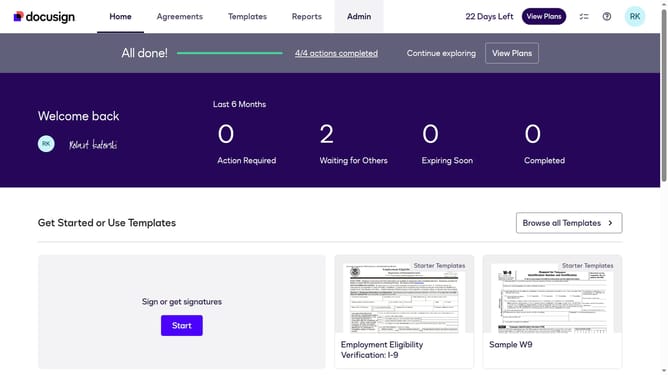
- First click on the "Admin" link in the top navigation menu
- Then click on the scrollbar to scroll down the page
- Next click on the "Connect" option in the left sidebar under the INTEGRATIONS section
- Then click on the "Actions" dropdown button next to a custom configuration in the configurations table
- Next select the "Edit" option from the Actions dropdown menu
- Then scroll down the page using the scrollbar to view more configuration options
- Next click on the "Maestro" trigger event section to expand it
- Then click on the "Workflow Started" checkbox to enable this trigger event
- Next scroll down the page using the scrollbar to view additional settings
- Finally click on the "Save Configuration" button to save the changes
Why should you trigger events when a workflow starts in DocuSign
DocuSign is a leading eSignature platform designed to streamline signing processes for businesses worldwide.
Triggering events when a workflow starts in DocuSign enhances automation by enabling real-time notifications, ensuring that key activities are tracked from the onset of the workflow.
This feature offers timely insights that enhance efficiency and improve decision-making, fostering better communication and collaboration across teams.
Overall, leveraging these event-driven notifications reduces manual oversight and frees up valuable resources to focus on higher-priority tasks.
Last update