How to enable trigger events when a notary session status is removed in DocuSign
Here is how to enable trigger events when a notary session status is removed in docusign
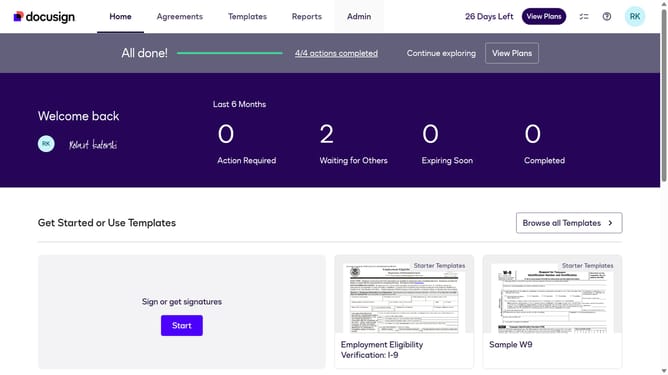
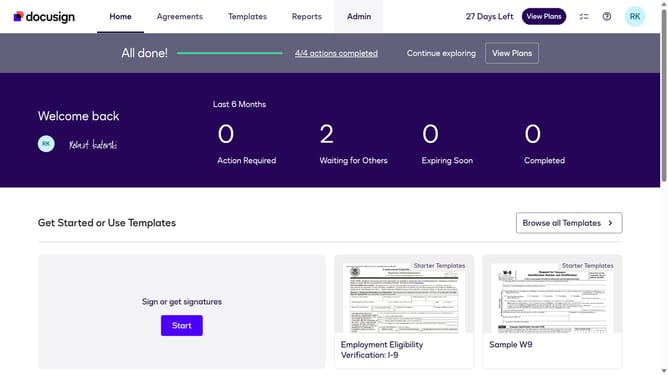
- First click on the "Admin" link in the top navigation menu
- Then scroll down the page to view additional content in the sidebar
- Next click on the "Connect" option in the left sidebar under the INTEGRATIONS section
- Then click on the "Actions" dropdown button next to a custom configuration in the configurations table
- Next select the "Edit" option from the Actions dropdown menu
- Then scroll down the page to view the Notary section
- Next click on the "Notary" section to expand it and view notary-related options
- Then click on the checkbox for "Notary Session Notary Removed" to enable this notification
- After that scroll down the page to view the Integration and Security Settings section
- Finally click on the "Save Configuration" button to save the changes
Why should you enable trigger events when a notary session status is removed in DocuSign
DocuSign is a powerful digital transaction management tool designed to simplify electronic agreements.
By enabling trigger events for when a notary session status is removed, users can stay informed and responsive to any changes in their notary processes. This feature ensures that stakeholders are promptly notified, enhancing communication efficiency and reducing the risk of oversight.
Utilizing these trigger events can streamline workflows, improve accountability, and enhance overall operational transparency, making it an essential tool in efficient document management.
Last update