DocuSign
DocuSign is an electronic signature platform that helps businesses send, sign, and manage documents digitally.
Website
Industry
Collaboration
Share this article:

How to allow senders to override change signing responsibility in DocuSign

Here is how to allow senders to override change signing responsibility in docusign

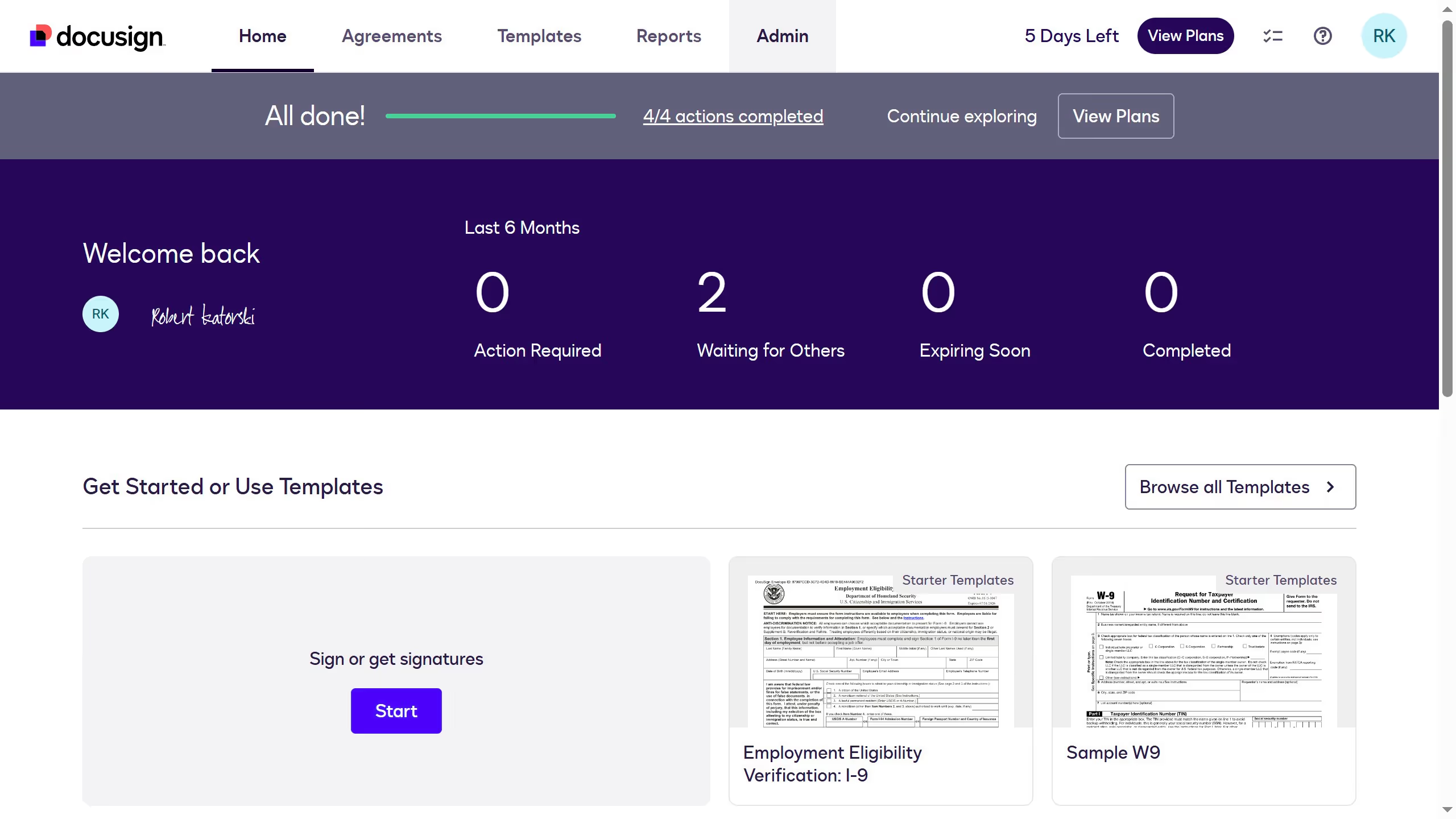
  1. First click on the "Admin" link in the top navigation menu
  2. Then scroll down to view more options
  3. Next click on "Signing Settings" in the left sidebar under the "SIGNING AND SENDING" section
  4. Then scroll down again to view more Signing settings
  5. After that, click on the checkbox again to enable "Allow senders to override sign on paper" option
  6. Then scroll down to the bottom of the page
  7. Finally click on the "Save Changes" button to save the updated signing settings

Create your own interactive guide with Guideflow

Why should you allow senders to override change signing responsibility in DocuSign

DocuSign is a leading digital solution that simplifies electronic agreements, making document transactions seamless and efficient.

The ability to override and change signing responsibility in DocuSign empowers senders with flexibility, ensuring documents reach the correct signatories without delay.

This feature enhances workflow efficiency, allowing for dynamic adjustment in cases of absence, ensuring critical documents are processed timely.

Ultimately, this adaptability improves business continuity and fosters better collaboration across teams and departments.

Last update
March 9, 2026
Cursor MariaA cursor points to a button labeled "James."

Create your first demo in less than 30 seconds.