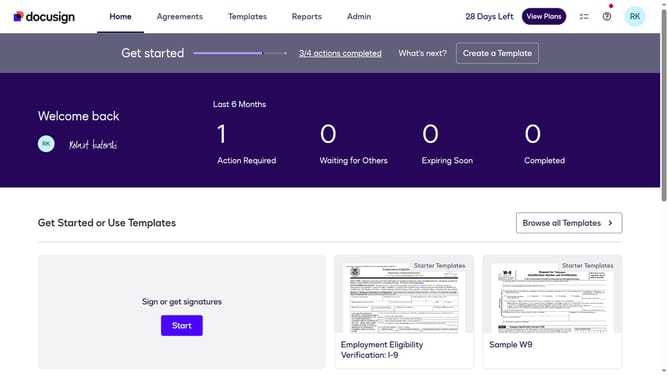
How to allow users to set their own time zone and date format in DocuSign
Here is how to allow users to set their own time zone and date format in docusign
- First click on the "Admin" link in the top navigation menu
- Then click on "Regional Settings" in the left sidebar under the ACCOUNT section
- Next click on the checkbox labeled "Allow users to set their own Time Zone and Date Format" in the Time Zone section
- Then scroll down the page to view additional settings
- Finally click on the "Save Changes" button at the bottom of the page
Why should you allow users to set their own time zone and date format in DocuSign
DocuSign is a leading platform that streamlines the process of electronic signatures and digital transactions.
One of its user-friendly features is the ability to set personal time zones and date formats. This customization ensures documents reflect local times, keeping scheduling seamless and precise.
Embracing this feature enhances global collaboration as it reduces confusion, ensuring that signers from different regions have a consistent understanding of deadlines, ultimately boosting efficiency and satisfaction.
Last update