How to allow field assist in a permission profile in DocuSign
Here is how to allow field assist in a permission profile in docusign
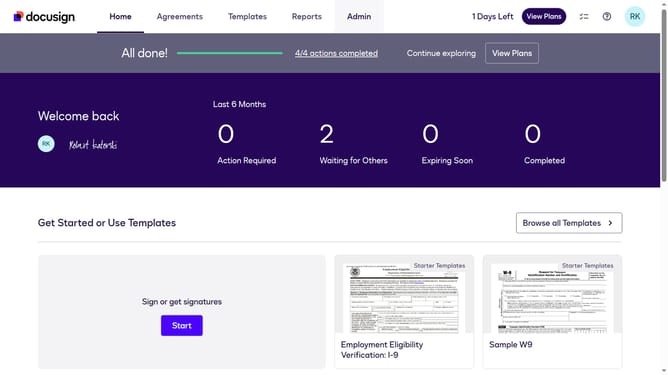
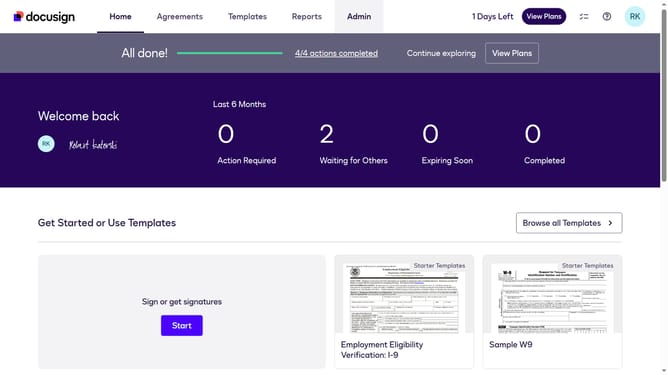
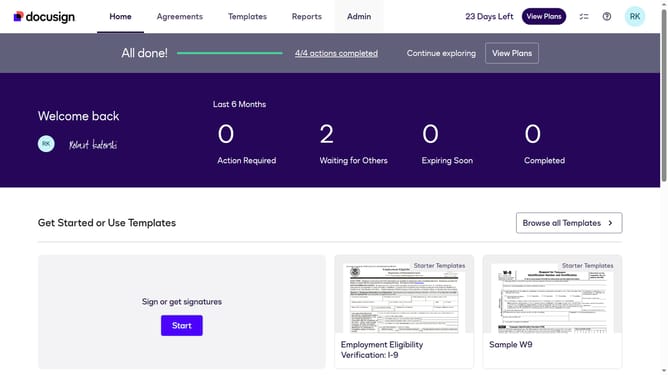
- First click on the "Admin" link in the top navigation menu
- Then scroll down the page to view the sidebar menu options
- Next click on "Permission Profiles" link in the left sidebar under the "USERS AND GROUPS" section
- Then click the "Actions" dropdown button next to a permission profile
- Next click on "Edit" option from the dropdown menu
- Then scroll down in the "Edit Permission Profile" modal dialog to view additional options
- Next click on the "Allow signer attachments" checkbox to enable this permission
- Finally click on the "Save" button to save the changes to the permission profile
Why should you allow field assist in a permission profile in DocuSign
DocuSign is a cutting-edge solution for electronic agreements, streamlining the signing process with secure digital transactions.
One standout feature is allowing field assist in a permission profile. This enhancement conveniently guides users through document completion, ensuring accuracy and compliance with minimal effort.
Enabling field assist boosts operational efficiency and user confidence, making the process intuitive and straightforward, ultimately enhancing overall productivity.
Last update