How to disable confirmation when recipients try to leave an active signing session in DocuSign
Here is how to disable confirmation when recipients try to leave an active signing session in docusign
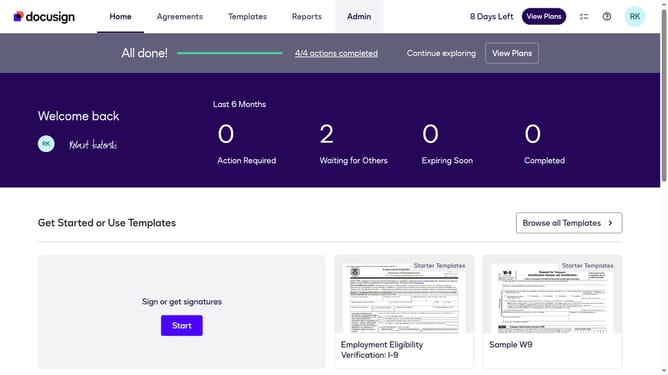
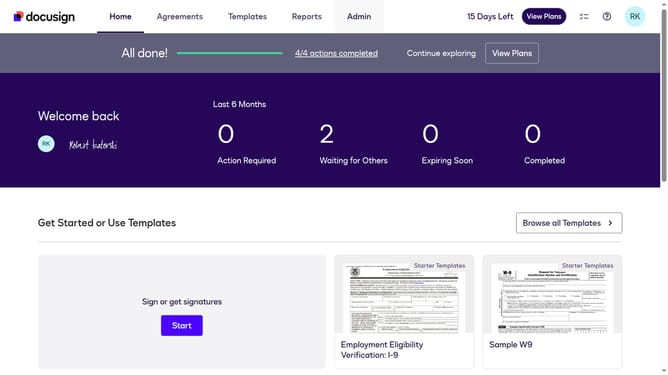
- First click on the "Admin" tab in the top navigation menu
- Then scroll down the page to view more admin options
- Next click on "Signing Settings" in the left sidebar under the "SIGNING AND SENDING" section
- Then scroll down the page to view recipient settings
- Next uncheck the "Ask for confirmation if recipients try to leave an active signing session" checkbox to disable it
- Then scroll down to the bottom of the page to view the save button
- Finally click on the "Save Changes" button to apply the settings
Why should you disable confirmation when recipients try to leave an active signing session in DocuSign
DocuSign is a top-notch platform designed to streamline digital document signing securely and efficiently.
One standout feature is the ability to disable confirmation for recipients leaving an active signing session. This feature enhances user experience by making the signing process seamless and uninterrupted.
By minimizing disruptions, users can focus on essential tasks without unnecessary confirmations, thereby improving efficiency and satisfaction in every transaction. Initiating a smooth workflow can significantly enhance productivity and streamline operations.
Last update