How to disable senders from overriding comment settings in DocuSign
Here is how to disable senders from overriding comment settings in docusign
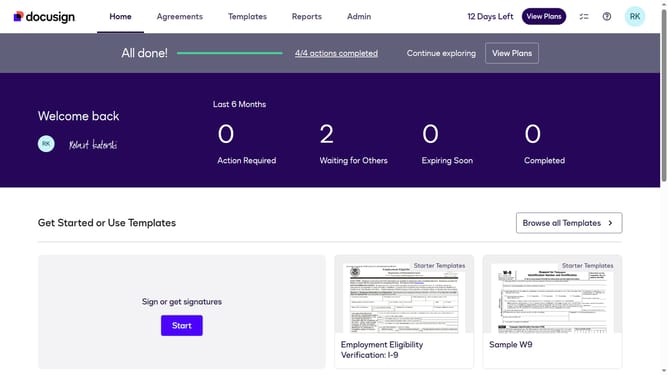
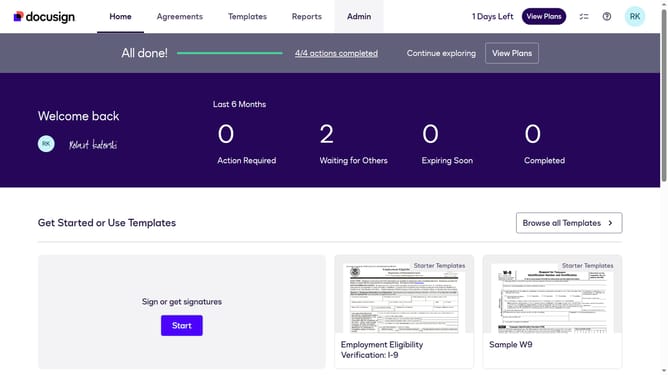
- First click on the "Admin" link in the top navigation menu
- Then scroll down to view more options
- Then scroll down and click on the "Comments" option in the left sidebar under the "SIGNING AND SENDING" section
- Next uncheck the checkbox "Allow senders to override" to disable this setting
- Finally click on the "Save Changes" button to save the updated settings
Why should you disable senders from overriding comment settings in DocuSign
DocuSign is a leading digital transaction platform that simplifies the process of signing documents electronically.
To maintain control over the document flow, disabling senders from overriding comment settings in DocuSign ensures consistent communication standards.
This feature enhances security by ensuring document comments remain transparent and untampered, fostering trust and clarity among parties involved.
Users benefit from streamlined document management, as well as the assurance of intact and fully authorized commentary.
Last update