How to choose higher education in the esignature value calculator in DocuSign
Here is how to choose higher education in the esignature value calculator in docusign
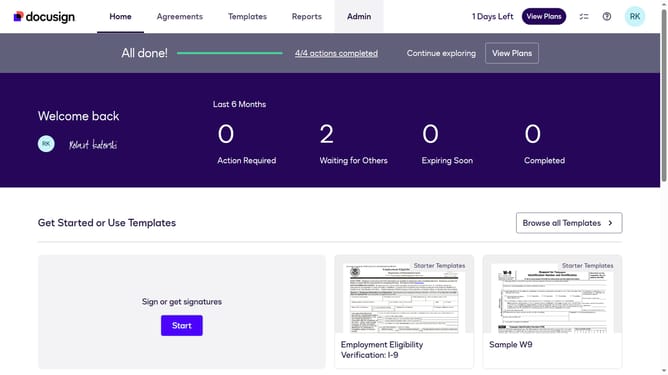
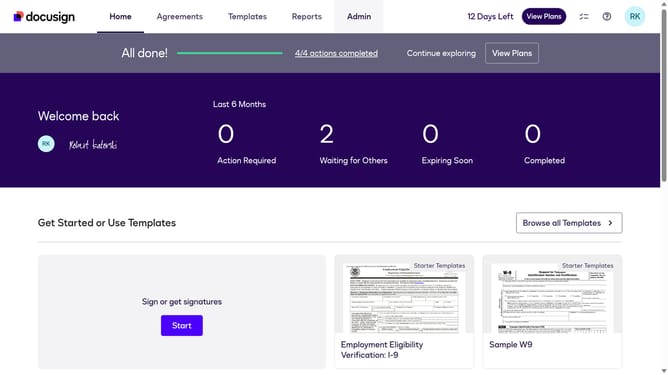
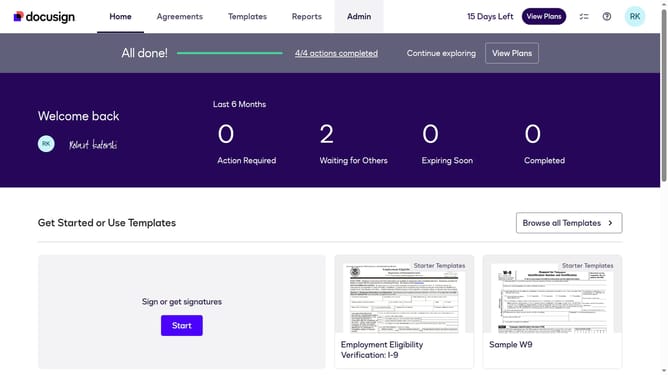
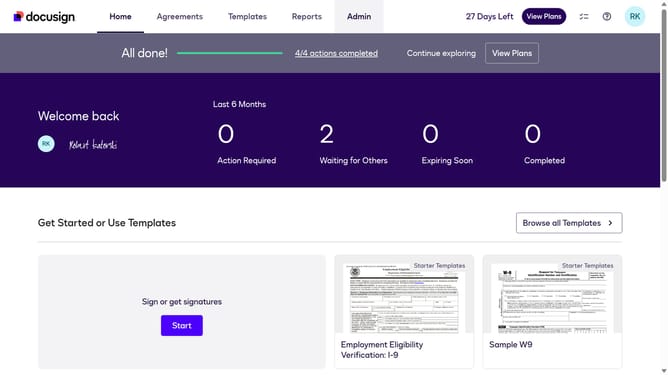
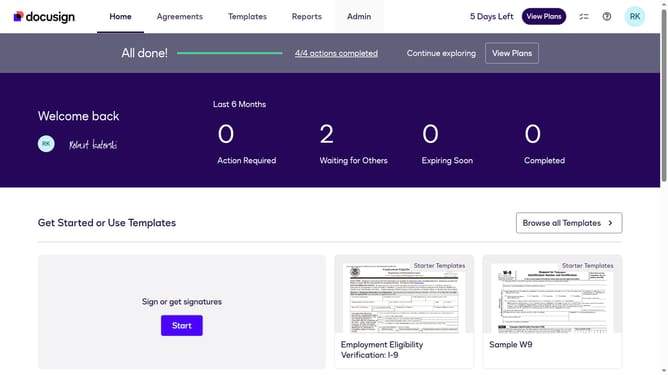
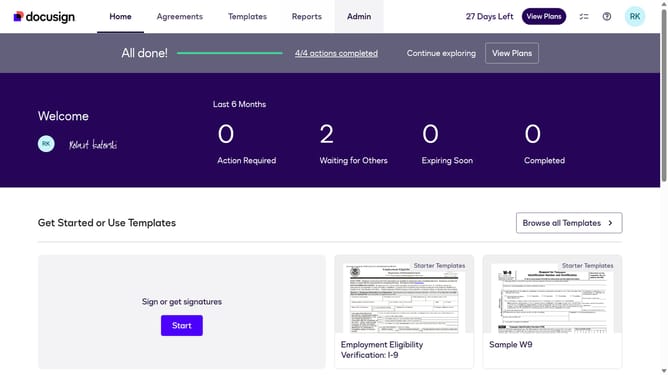
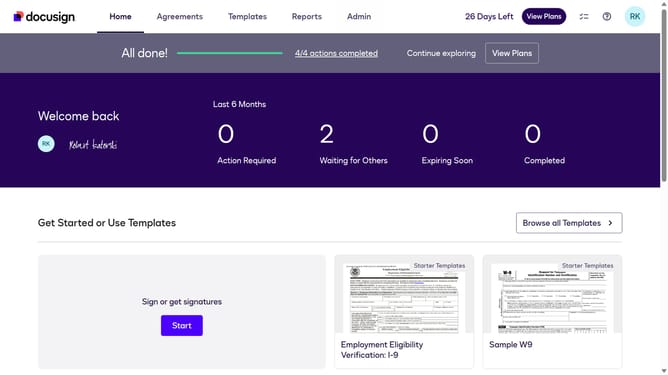
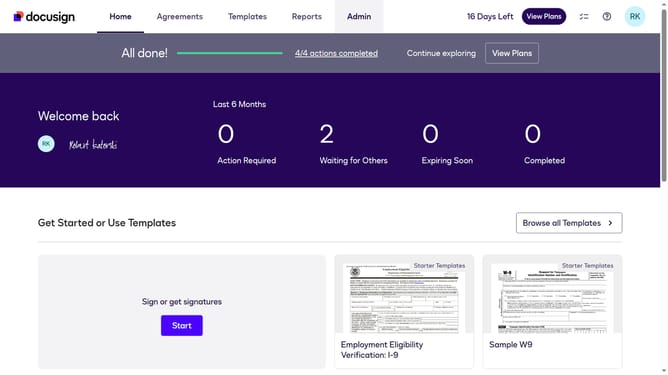
- First click on the "Admin" link in the top navigation menu
- Then click on the "Value Calculator" link in the left sidebar under the Account section
- Next click on the "Select Industry" dropdown menu and select the "Higher Education" option
- Finally scroll down the page to view the benchmark data results
Why should you choose higher education in the esignature value calculator in DocuSign
DocuSign revolutionizes document management by offering seamless electronic signature solutions that streamline workflows.
The eSignature value calculator in DocuSign features a specialized option for higher education. This allows institutions to assess specific benefits tailored to their needs. Selecting higher education in the calculator helps universities identify cost savings, improve operational efficiency, and enhance student and staff experiences.
Utilizing this feature offers the educational sector insightful analytics, supporting data-driven decisions that contribute to institutional success.
Last update