How to disable requiring a reason when a recipient declines to sign in DocuSign
Here is how to disable requiring a reason when a recipient declines to sign in docusign
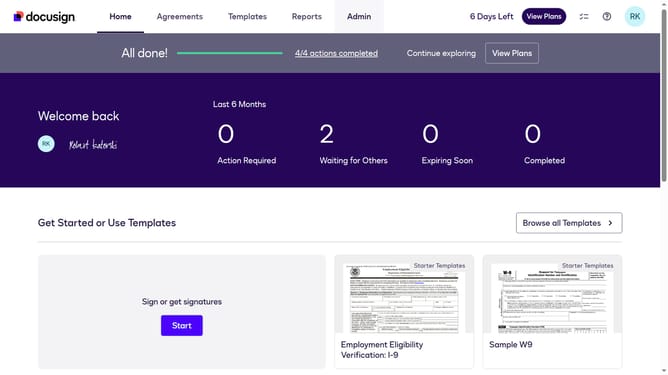
- First click on the "Admin" link in the top navigation menu
- Then scroll down the page to view more options in the sidebar menu
- Next click on "Signing Settings" in the left sidebar under the "SIGNING AND SENDING" section
- Then scroll down the page to view the Recipients section settings
- Next uncheck the "Require a reason when a recipient declines to sign" checkbox
- Then continue scrolling down to reach the bottom of the page
- Finally click on the "Save Changes" button to save the configuration
Why should you disable requiring a reason when a recipient declines to sign in DocuSign
DocuSign streamlines digital transactions by enabling secure e-signatures on important documents.
The feature to disable requiring a reason when a recipient declines to sign provides simplicity and flexibility.
By removing the need for an explanation, it saves time and respects a recipient's privacy, making the signing process smoother.
This can be particularly beneficial for businesses aiming to enhance user experience while maintaining workflow efficiency.
Last update