How to disable sender notification when a signer assigns or delegates an envelope for an API user in DocuSign
Here is how to disable sender notification when a signer assigns or delegates an envelope for an api user in docusign
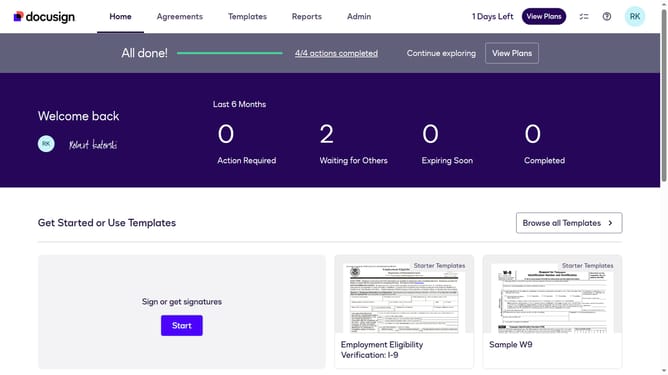
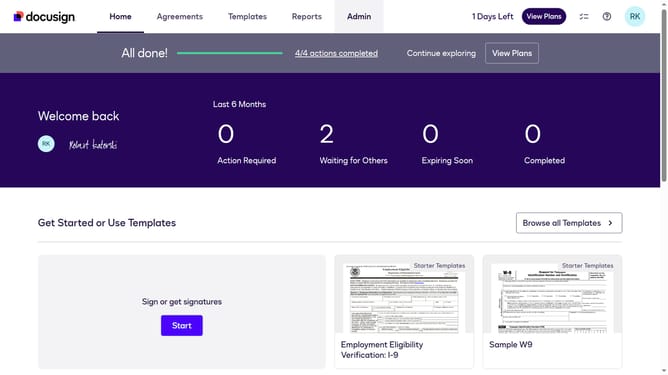
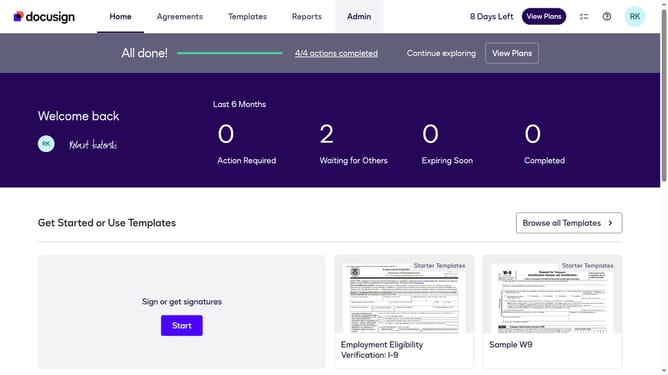
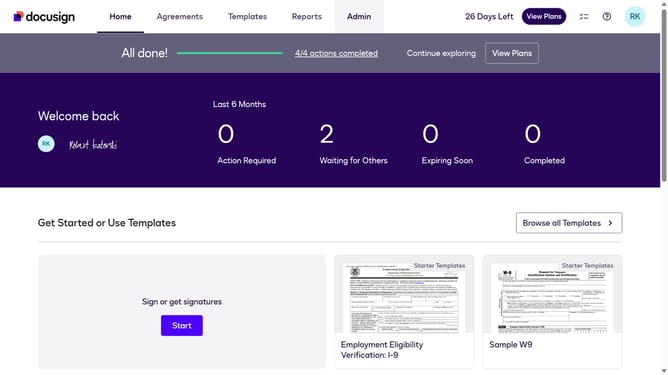
- First click on the "Admin" link in the top navigation menu
- Then scroll down the page to view more options in the admin section
- Next click on "Email Preferences" in the left sidebar under the "SIGNING AND SENDING" section
- Then click on the "API User" tab to switch to API user email preferences
- Next scroll down the page to view more email notification options for API users
- Then uncheck the checkbox for "A signer assigns an envelope to someone or adds a delegated signer" again to disable this notification
- Finally click on the "Save Changes" button at the bottom of the page to save the email preference settings
Why should you disable sender notification when a signer assigns or delegates an envelope for an API user in DocuSign
DocuSign revolutionizes the way businesses handle documents by enabling electronic signatures and secure document management.
For API users, disabling sender notifications when a signer assigns or delegates an envelope streamlines communication. This feature allows seamless workflow continuity, reducing interruptions inherent in notification overload.
By focusing on crucial updates rather than every transaction detail, organizations can enhance productivity and maintain clarity, ensuring a smoother document management experience.
Last update