How to disable SMS opt-out trigger events in DocuSign
Here is how to disable sms opt-out trigger events in docusign
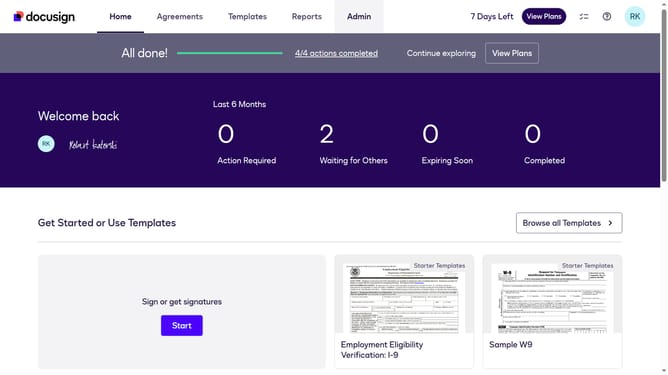
- First click on the "Admin" link in the top navigation menu
- Then scroll down the page to view additional content
- Next click on the "Connect" option in the left sidebar under the INTEGRATIONS section
- Then click on the "Actions" dropdown button next to a custom configuration in the configurations table
- Next select the "Edit" option from the Actions dropdown menu
- Then scroll down the page to view the Trigger Events section
- Next click the "SMS Delivery" dropdown button to expand it
- Then uncheck the "SMS Opt Out" checkbox to disable this trigger event
- Next scroll down to the bottom of the page to view the save button
- Finally click on the "Save Configuration" button to save the changes
Why should you disable SMS opt-out trigger events in DocuSign
DocuSign simplifies completing business agreements with its innovative digital transaction management services.
Disabling SMS opt-out trigger events in DocuSign is a useful feature for controlling communication preferences. This feature allows users to customize their recipient's notification experience, ensuring messages are only delivered when desired.
This level of customization can improve engagement and reduce unnecessary message alerts, providing better clarity for all involved parties while streamlining the signing process efficiently.
Last update