How to disable OneDrive as a document source in DocuSign
Here is how to disable onedrive as a document source in docusign
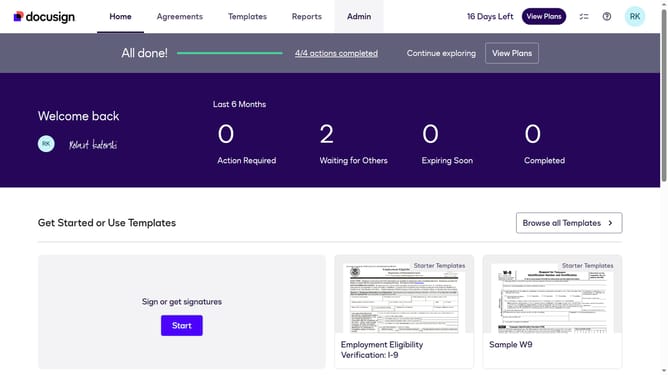
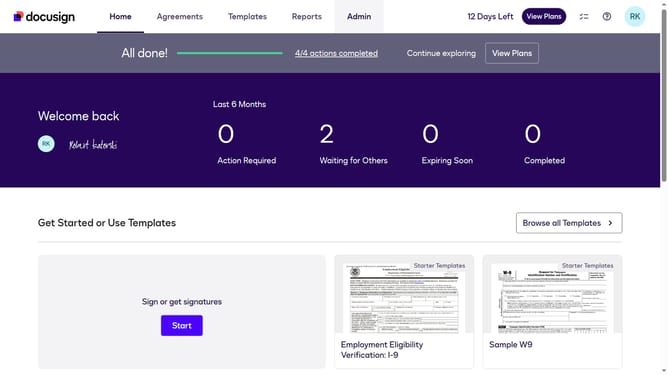
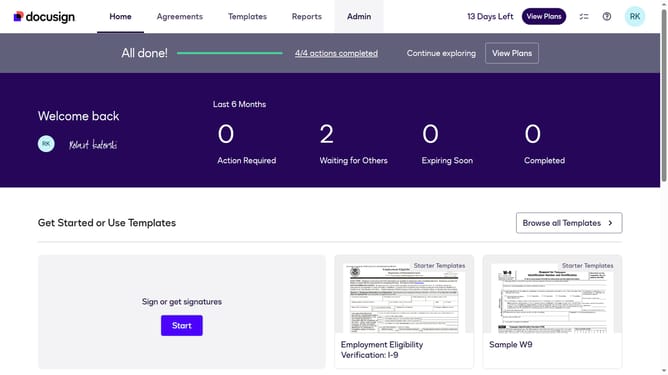
- First click on the "Admin" link in the top navigation menu
- Then scroll down the page
- Next click on the "Sending Settings" option in the left sidebar under the "SIGNING AND SENDING" section
- Then scroll down the page to view the "Document Sources" section
- Next uncheck the "Google Drive" checkbox in the Document Sources section
- Finally click on the "Save Changes" button to apply the settings
Why should you disable OneDrive as a document source in DocuSign
DocuSign streamlines the process of obtaining electronic signatures, making it an essential tool for modern document management.
By disabling OneDrive as a document source in DocuSign, users gain more control over their document workflow. This feature empowers users to streamline their document management by selecting only the most relevant sources for their files.
Reducing the number of document sources simplifies the interface and enhances productivity, ensuring that users can focus on the most important tasks at hand.
Ultimately, this improves efficiency and allows for a more personalized user experience within the DocuSign platform.
Last update