How to enable notifications when documents are scheduled for system purge for an API user in DocuSign
Here is how to enable notifications when documents are scheduled for system purge for an api user in docusign
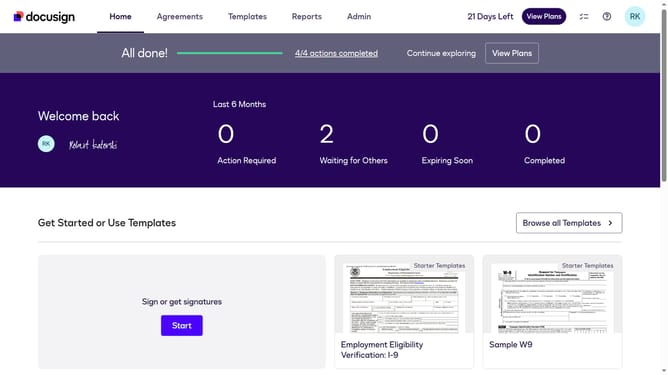
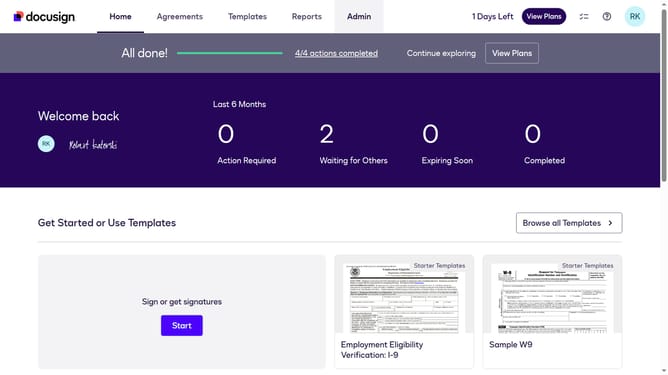
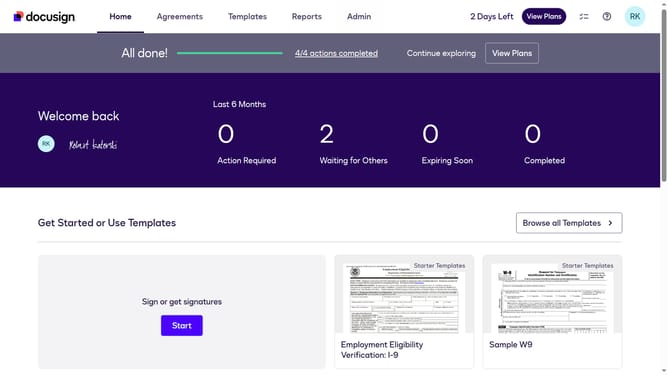
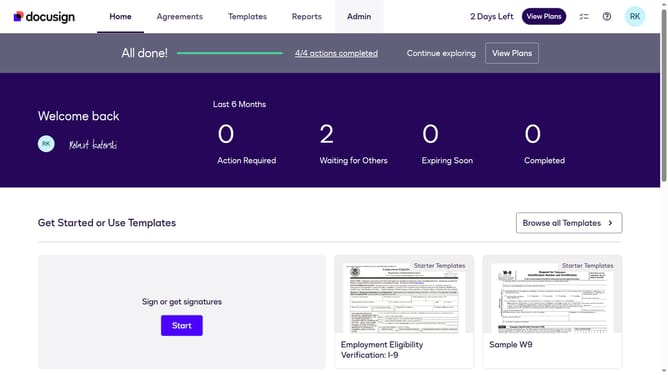
- First click on the "Admin" link in the top navigation menu
- Then scroll down the page to view more admin settings options
- Next click on the "Sending Settings" option in the left sidebar under the "SIGNING AND SENDING" section
- Then click on the "API User" tab to view API user email preferences
- Scroll down to view more options
- Then click the checkbox for "Documents will be purged from the system" to enable this notification
- Next scroll down further to reach the bottom of the email preferences page
- Finally click on the "Save Changes" button to save the updated email preferences
Why should you enable notifications when documents are scheduled for system purge for an API user in DocuSign
DocuSign is a leading electronic signature solution designed to streamline agreements and transactions digitally.
For API users, enabling notifications for when documents are scheduled for system purge ensures you stay informed of critical document lifecycle events.
This proactive feature supports compliance and record management, preventing accidental data loss by alerting you before documents are permanently deleted.
Staying updated on document status through these notifications enhances operational efficiency, allowing for timely decision-making and action.
Last update