How to stop triggering an event when an envelope is delivered in DocuSign
Here is how to stop triggering an event when an envelope is delivered in docusign
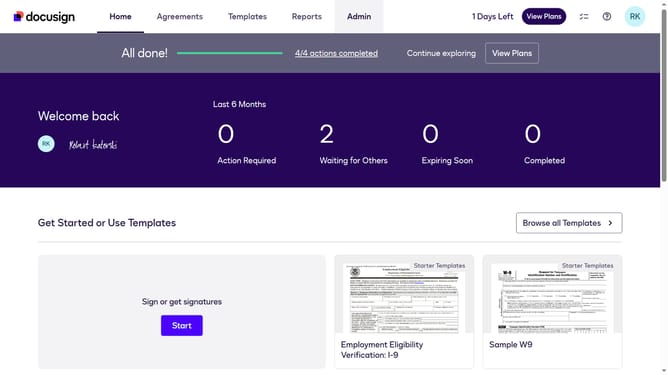
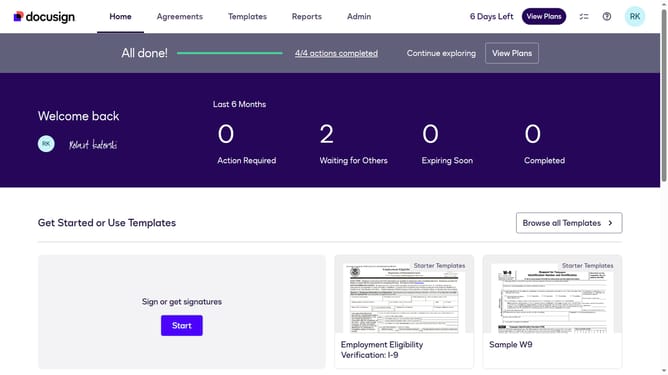
- First click on the "Admin" link in the top navigation menu
- Then scroll down the page to view additional content
- Next click on the "Connect" option in the left sidebar under the INTEGRATIONS section
- Then click on the "Actions" dropdown button next to a custom configuration you want to disable a trigger event in the configurations table
- Next select the "Edit" option from the Actions dropdown menu
- Then scroll down the page to view the Trigger Events section
- Next click on the "Envelope and Recipients" accordion to expand it
- Then uncheck the "Envelope Delivered" checkbox in the Envelope Events section
- Next scroll down to the bottom of the page to view the save button
- Finally click on the "Save Configuration" button to save the changes
Why should you stop triggering an event when an envelope is delivered in DocuSign
DocuSign streamlines the process of managing and electronically signing documents, increasing productivity and efficiency.
The feature to stop triggering an event when an envelope is delivered in DocuSign is designed for greater precision and control over notification settings. This means you can tailor alerts to better suit your workflow needs.
By controlling these triggers, you avoid unnecessary alerts, focusing on what truly requires your attention, enhancing overall productivity.
Empower your document management with DocuSign’s customizable alert features, streamlining your communication processes.
Last update