How to enable notifications for acknowledge recipients for an API user in DocuSign
Here is how to enable notifications for acknowledge recipients for an api user in docusign
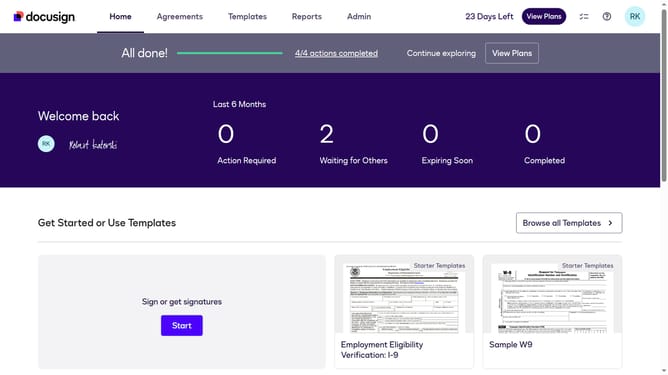
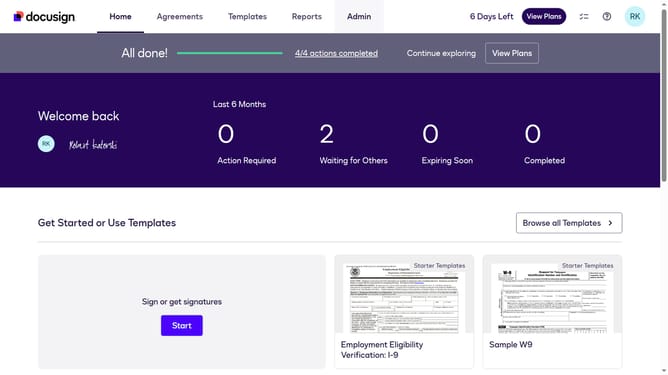
- First click on the "Admin" link in the top navigation menu
- Then click on the scrollbar to scroll down the page
- Next click on "Email Preferences" in the left sidebar under the "SIGNING AND SENDING" section
- Then click on the "API User" tab in the Email Preferences section
- Next click to check the "I am an acknowledge recipient" checkbox in the notification preferences
- Then scroll down the page using the scrollbar on the right side
- Finally click on the "Save Changes" button at the bottom of the page
Why should you enable notifications for acknowledge recipients for an API user in DocuSign
DocuSign is a leading platform for electronic signatures, revolutionizing the way agreements are managed and executed digitally.
Enabling notifications for acknowledge recipients as an API user in DocuSign ensures seamless communication and enhances workflow efficiency.
By activating this feature, API users receive immediate alerts when recipients confirm receipt of documents, reducing delays and increasing transparency.
This streamlines processes by keeping all parties informed in real-time, fostering a collaborative and timely document management experience.
Last update