How to stop requiring a special character in the access code in DocuSign
Here is how to stop requiring a special character in the access code in docusign
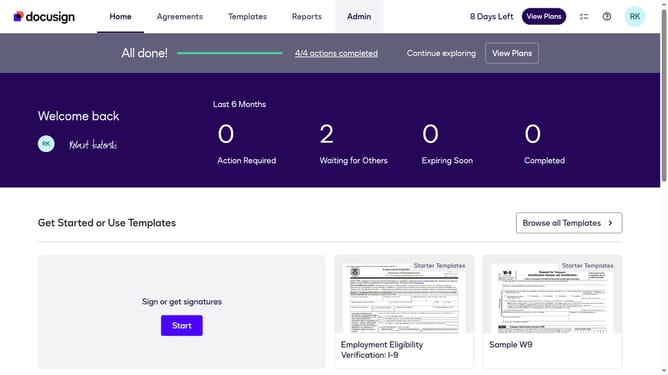
- First click on the "Admin" link in the top navigation menu
- Then click on the "Security Settings" option in the left sidebar under the ACCOUNT section
- Next scroll down to view more options
- Then uncheck the checkbox for "One special character (except "<",">","&#")" under Access Codes settings
- Finally confirm the changes by clicking the "Save Changes" button again
Why should you stop requiring a special character in the access code in DocuSign
DocuSign is a versatile platform for managing digital agreements with ease and security.
One feature you might find useful is the option to stop requiring a special character in access codes. This feature simplifies the process of accessing documents for users who may struggle with complex passwords, promoting a more seamless experience.
By allowing more flexibility in access code requirements, DocuSign ensures that security doesn't come at the expense of accessibility, enhancing usability for all participants.
Last update