How to disable document upload in a permission profile in DocuSign
Here is how to disable document upload in a permission profile in docusign
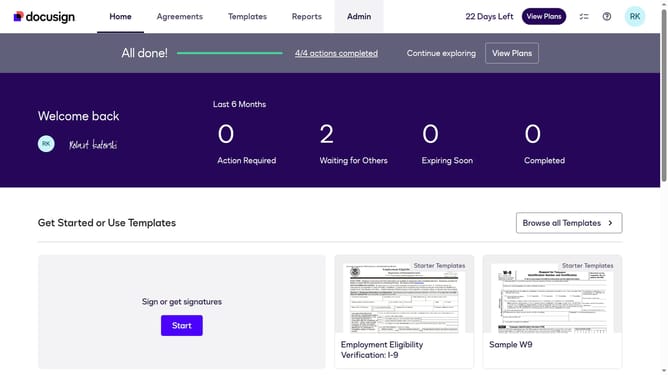
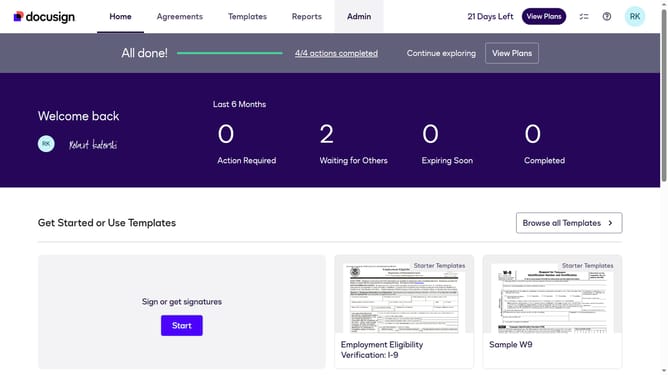
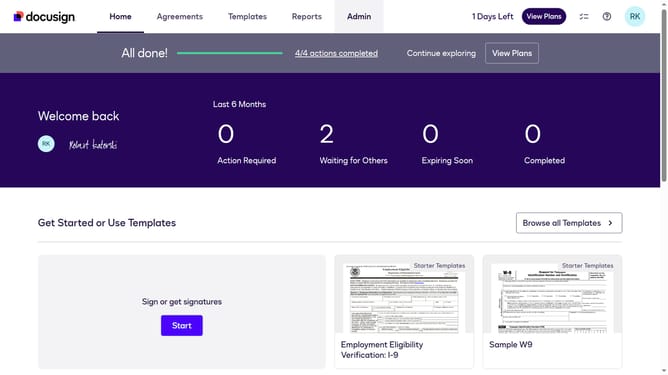
- First click on the "Admin" link in the top navigation menu
- Then scroll down the page to view the sidebar menu options
- Next click on "Permission profiles" under the USERS AND GROUPS section
- Then click the "Actions" dropdown button next to a permission profile
- Next select the "Edit" option from the dropdown menu
- Then scroll down in the "Edit Permission Profile" modal dialog
- Then click on the "Disable document upload" checkbox to enable it
- Finally click on the "Save" button to save the changes
Why should you disable document upload in a permission profile in DocuSign
DocuSign is a leading digital transaction platform designed to facilitate secure and efficient electronic signatures and document management.
A valuable feature in DocuSign is the ability to customize permissions, including disabling document uploads in a permission profile.
This feature ensures that only authorized individuals can add new documents, enhancing data security and maintaining control over document integrity.
By restricting upload permissions, organizations can enforce compliance policies and streamline workflow management effectively.
Last update