How to enable comment notifications for an API user in DocuSign
Here is how to enable comment notifications for an api user in docusign
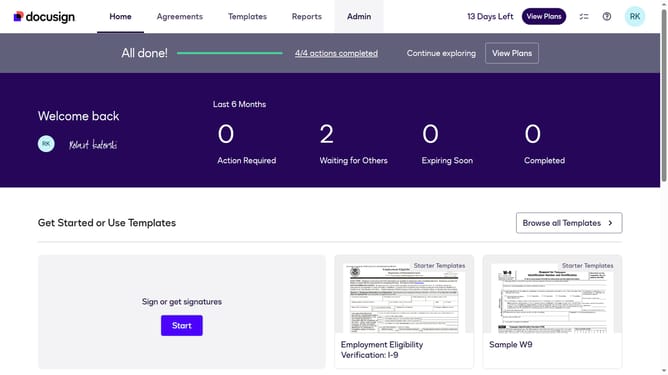
- First click on the "Admin" navigation link in the top menu
- Then scroll down the page to view more content in the Admin section
- Next click on "Email Preferences" in the left sidebar under the "SIGNING AND SENDING" section
- Then click on the "API User" tab to switch to API user email preferences
- Next scroll down the page to view additional email notification options
- Then click on the checkbox for "A comment is posted in an envelope that's been sent to me" to enable this notification
- Next scroll down to the bottom of the page to view the save button
- Finally click on the "Save Changes" button to save the updated email preferences
Why should you enable comment notifications for an API user in DocuSign
DocuSign, a comprehensive digital transaction management platform, simplifies the process of signing documents online.
One of its valuable features is the ability to enable comment notifications for an API user. This function keeps users informed about any discussions or feedback on documents, ensuring that important comments are never overlooked.
By staying updated on comments via notifications, users enhance collaboration and streamline communication, leading to more efficient document management and faster decision-making.
Last update