How to enable the formula field option in DocuSign
Here is how to enable the formula field option in docusign
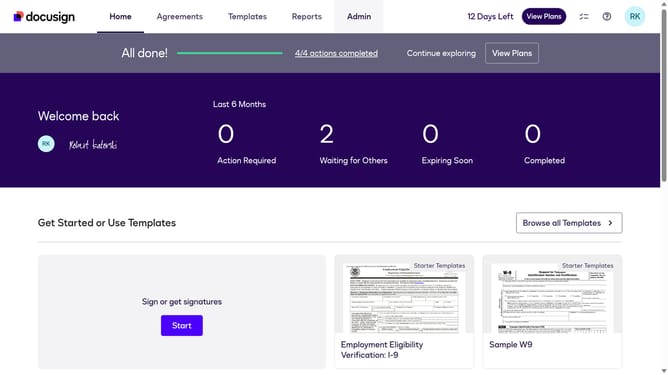
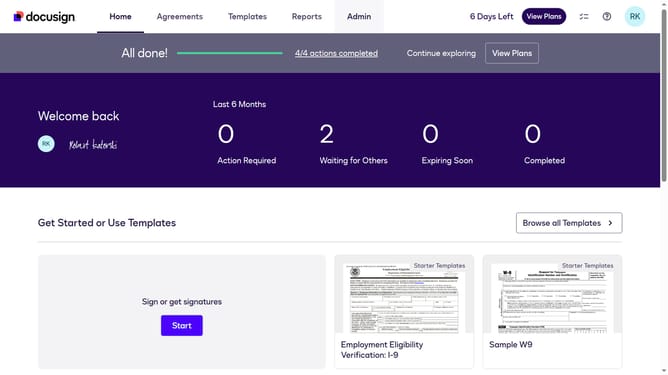
- First click on the "Admin" link in the top navigation menu
- Then scroll down the page to view more admin settings options
- Next click on the "Sending Settings" link in the left sidebar under the "SIGNING AND SENDING" section
- Then click the checkbox of "Enable formula field (calculated field)" option under the "Fields and Properties" section
- After that, scroll down the page to view additional sending settings and document source options
- Finally click on the "Save Changes" button at the bottom of the page to save the configuration
Why should you enable the formula field option in DocuSign
DocuSign streamlines document management by simplifying the electronic signature process.
Enabling the formula field option within DocuSign enhances your documents by allowing automatic calculations based on data entered. This powerful feature increases efficiency by reducing errors and saving time, as manual inputs are minimized.
By automating complex calculations, it empowers users to focus on decision-making and strategic tasks, turning tedious paperwork into a seamless digital experience.
Last update