How to disable allow view and manage envelope rights through API in DocuSign
Here is how to disable allow view and manage envelope rights through api in docusign
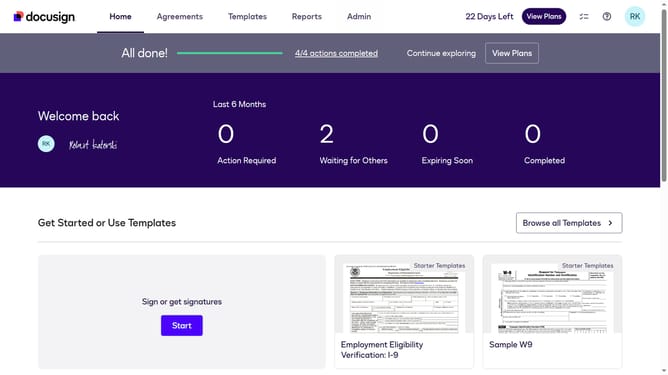
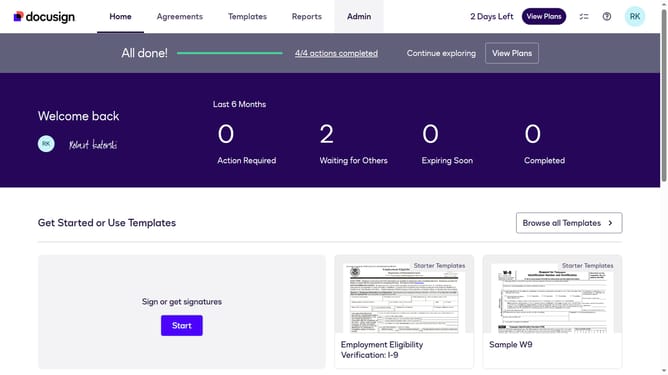
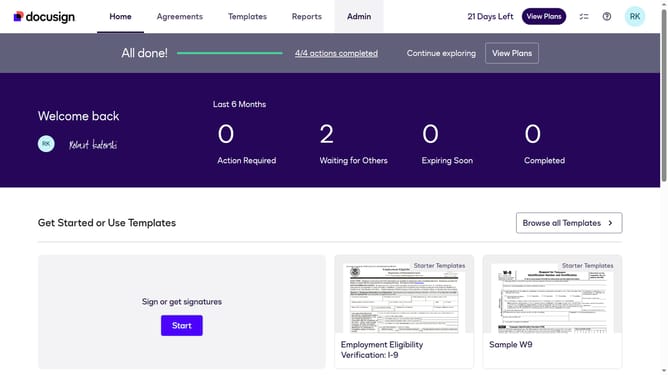
- First click on the "Admin" link in the top navigation menu
- Then scroll down the page to view the "Permission Profiles" option in the left sidebar
- Next click on the "Permission Profiles" link in the left sidebar under "USERS AND GROUPS" section
- Then click on the "Actions" dropdown button next to a permission profile
- Next click on the "Edit" option from the dropdown menu
- Then scroll down the "Edit Permission Profile" dialog box
- Then uncheck the "Allow send on behalf of other users through API" checkbox to uncheck it
- Finally click on the "Save" button to save the changes to the permission profile
Why should you disable allow view and manage envelope rights through API in DocuSign
DocuSign revolutionizes the way businesses handle digital transactions, simplifying the process of signing and managing documents securely online.
Disabling the ability to view and manage envelope rights through the API in DocuSign enhances data security by limiting access. This feature is beneficial for organizations aiming to tighten control over sensitive information by restricting permissions only to essential users.
By leveraging this API functionality, businesses can ensure that sensitive documents are accessed only by authorized personnel, promoting a culture of privacy and compliance within their digital operations.
Last update