How to exclude comment text from email notifications when a comment is posted in DocuSign
Here is how to exclude comment text from email notifications when a comment is posted in docusign
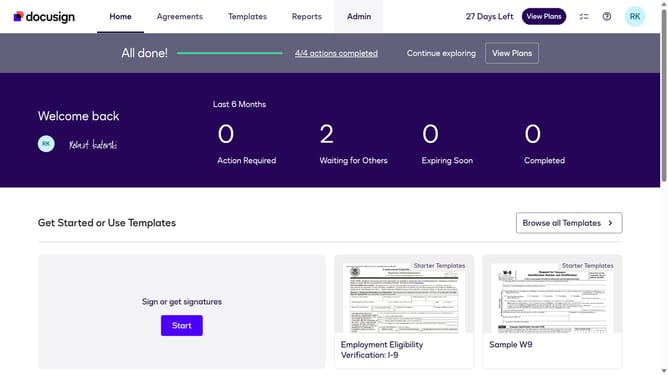
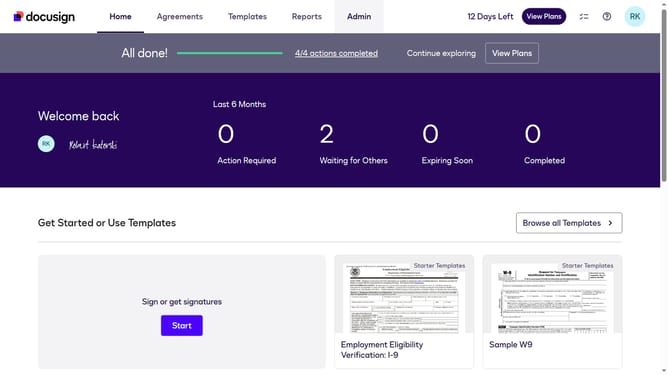
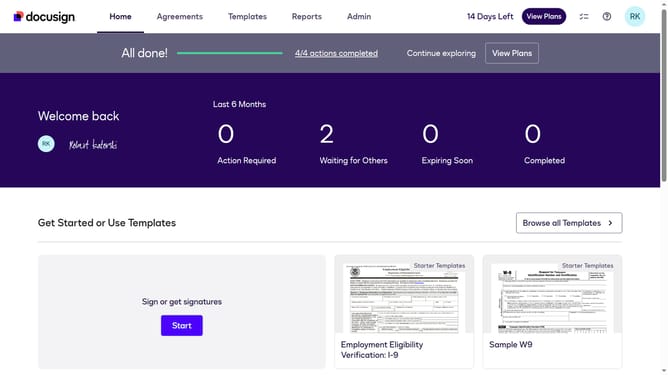
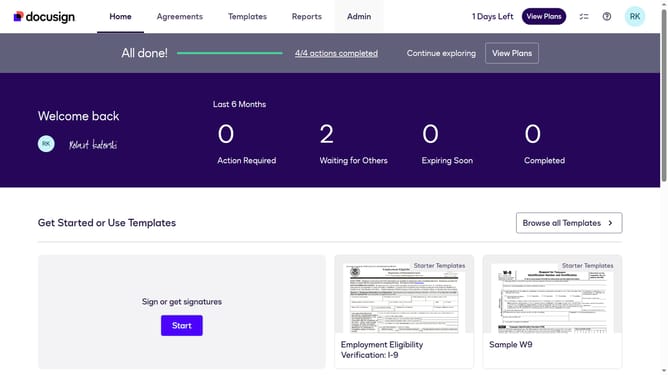
- First click on the "Admin" link in the top navigation menu
- Then scroll down the page and click on the scrollbar on the right side
- Next click on the "Comments" link in the left sidebar under the "SIGNING AND SENDING" section
- Then uncheck the labeled "Include comment text in email notifications when a comment is posted" to disable it
- Finally click on the "Save Changes" button to save the settings
Why should you exclude comment text from email notifications when a comment is posted in DocuSign
DocuSign streamlines your document management by enabling secure and easy digital signing.
The feature to exclude comment text from email notifications enhances privacy and reduces email clutter. Users opt to keep sensitive discussions confidential, only notified about a comment, without displaying its content upfront in emails.
This aligns with professional environments where discretion and efficiency are valued, simplifying the notification process while ensuring important tasks progress smoothly, without unnecessary distractions.
Last update