How to trigger an event when an envelope is resent in DocuSign
Here is how to trigger an event when an envelope is resent in docusign
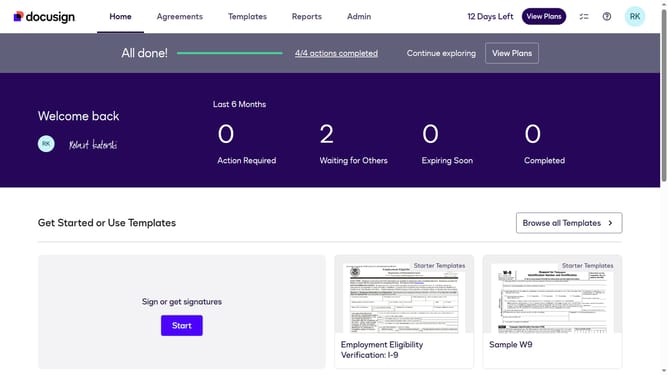
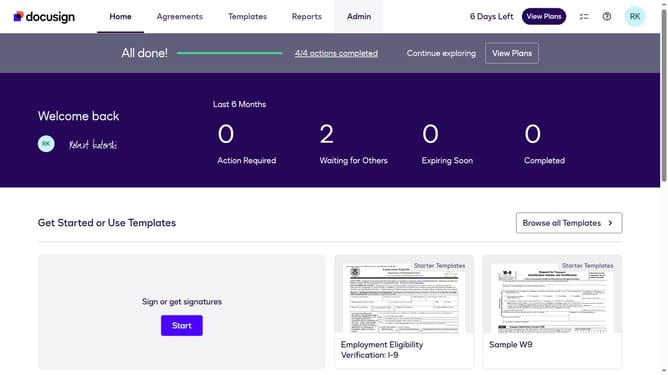
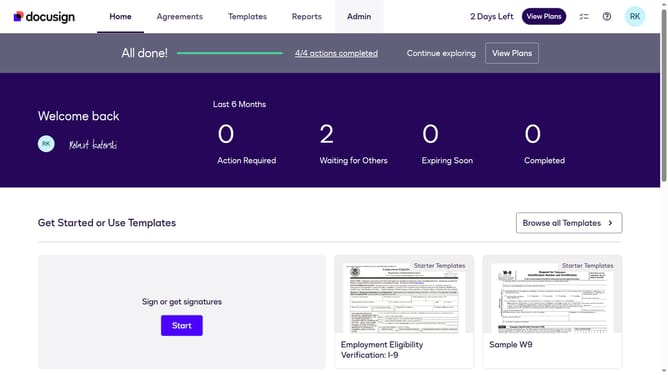
- First click on the "Admin" tab in the top navigation menu
- Then scroll down and click on the scrollbar to view more content on the page
- Next click on the "Connect" link in the left sidebar under the INTEGRATIONS section
- Then click on the "Actions" dropdown button next to a configuration in the configurations table
- Next select the "Edit" option from the Actions dropdown menu
- Then scroll down the page to view the Trigger Events section
- Next click on the "Envelope and Recipients" accordion to expand it
- Then click on the "Envelope Resent" checkbox to enable this trigger event
- Next scroll down to the bottom of the page to view the save button
- Finally click on the "Save Configuration" button to save the changes
Why should you trigger an event when an envelope is resent in DocuSign
DocuSign streamlines digital transactions by enabling paperless agreements with ease and security.
The feature of triggering an event when an envelope is resent in DocuSign enhances workflow efficiency significantly. This capability allows for automatic notifications and updates upon resending, ensuring all stakeholders maintain visibility throughout the process.
Using this feature ensures timely interventions and maintains accountability, thus boosting productivity. Efficiently managing document workflows with these triggered events saves time and reduces errors in communication.
Last update