How to enable sender notification when an envelope is complete for an API user in DocuSign
Here is how to enable sender notification when an envelope is complete for an api user in docusign
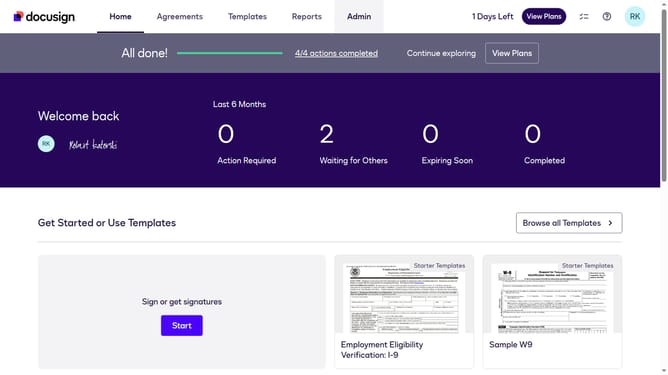
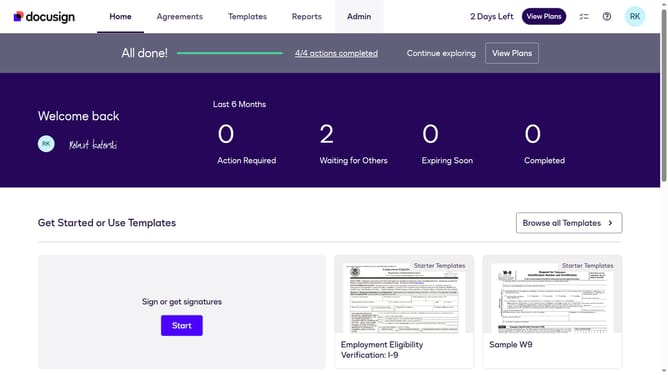
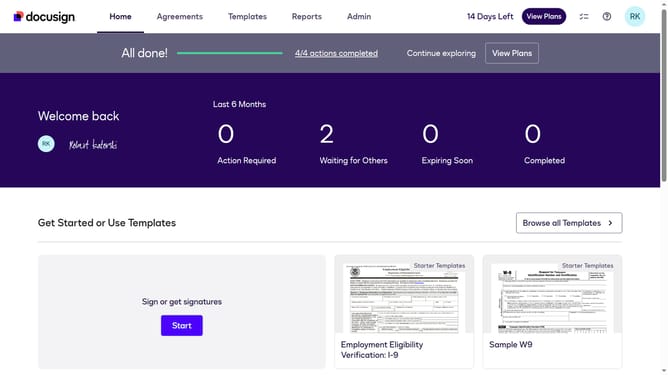
- First click on the "Admin" link in the top navigation menu
- Then scroll down the page to view additional options in the Admin section
- Next click on "Email Preferences" in the left sidebar under the "SIGNING AND SENDING" section
- Then click on the "API User" tab to switch to API user email preferences
- Next scroll down the page to view more email notification options for API users
- Then click to check the checkbox for "An envelope is complete" option
- Finally click on the "Save Changes" button to save the email preference settings
Why should you enable sender notification when an envelope is complete for an API user in DocuSign
DocuSign revolutionizes digital transactions, enabling seamless e-signature processes for convenient document management.
Enabling sender notifications for completed envelopes offers strategic advantages for API users. This feature ensures that you stay informed the moment a transaction is complete, enhancing workflow efficiency.
By automating this alert system, it reduces time spent on manual follow-ups and minimizes the risk of overlooking finalized agreements. With timely updates, you can maintain momentum and focus on advancing other business priorities.
Last update