How to enable change approval notifications for an API user in DocuSign
Here is how to enable change approval notifications for an api user in docusign
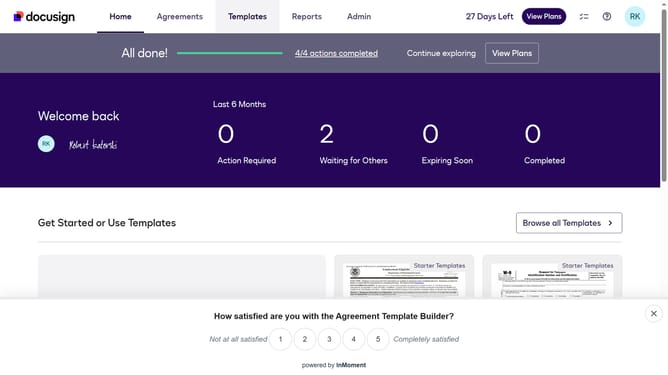
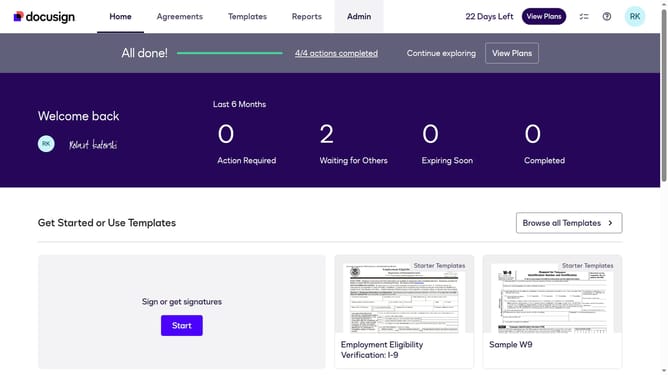
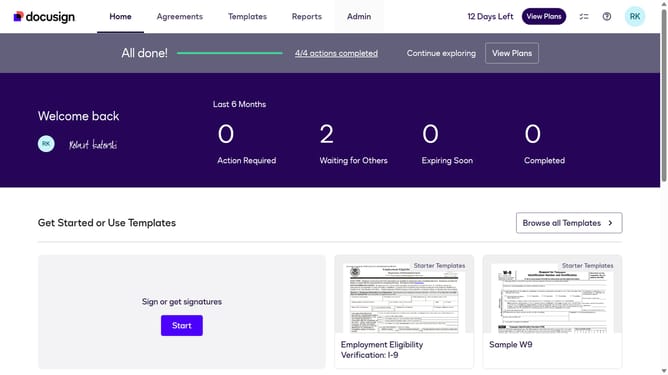
- First click on the "Admin" tab in the top navigation menu
- Then scroll down the page to view additional options in the sidebar
- Next click on "Email Preferences" in the left sidebar under the "SIGNING AND SENDING" section
- Then click on the "API User" tab to switch from the User preferences view
- Scroll down the page to view more email notification options for signers
- Then click the "Another signer made changes that require my approval" checkbox
- Continue scrolling down to view more options
- Finally click on the "Save Changes" button at the bottom of the page to save the email preferences
Why should you enable change approval notifications for an API user in DocuSign
DocuSign is a leading digital tool for electronic agreements, simplifying and securing document signatures electronically.
Enabling change approval notifications for an API user in DocuSign ensures you stay informed about critical document updates. This feature enhances monitoring by providing timely alerts whenever changes occur, allowing for quick decision-making and reduced operational delays.
Such notifications streamline communication and collaboration, fostering stronger oversight and control over document processes. By keeping all parties informed, organizations can boost efficiency and maintain seamless workflow.
Last update