How to enable notifications when an envelope signed offline fails to synchronize for an API user in DocuSign
Here is how to enable notifications when an envelope signed offline fails to synchronize for an api user in docusign
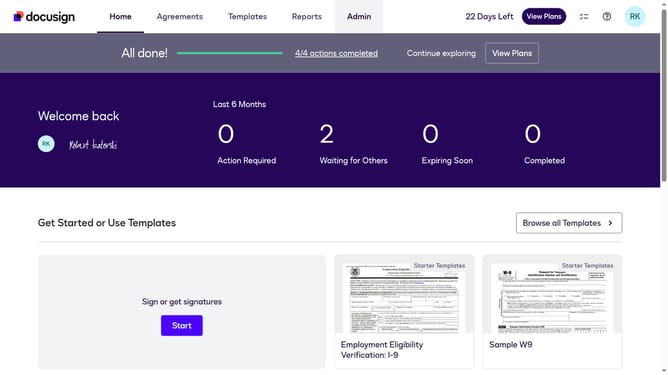
- First click on the "Admin" tab in the top navigation menu
- Then scroll down the page to view more options in the sidebar
- Next click on "Email Preferences" in the left sidebar under the "SIGNING AND SENDING" section
- Then click on the "API User" tab to switch to API user email preferences
- Scroll down the page to view additional email notification options
- Then click the checkbox for "An envelope I signed offline fails to syncrhonize"
- Scroll down further to reach the bottom of the email preferences page
- Finally click on the "Save Changes" button to save the email preference settings
Why should you enable notifications when an envelope signed offline fails to synchronize for an API user in DocuSign
DocuSign revolutionizes the way we handle documents by providing smooth, secure electronic signature solutions.
For API users, enabling notifications when an envelope signed offline fails to synchronize ensures you stay informed of any issues without a hitch. This feature delivers real-time alerts, empowering quick resolutions and maintaining the integrity of your document process.
Utilizing these notifications helps businesses avoid delays, enhance operational efficiency, and sustain uninterrupted workflows, keeping user satisfaction and confidence at the forefront.
Last update