How to transfer ownership of a document in DocuSign
Here is how to transfer ownership of a document in docusign
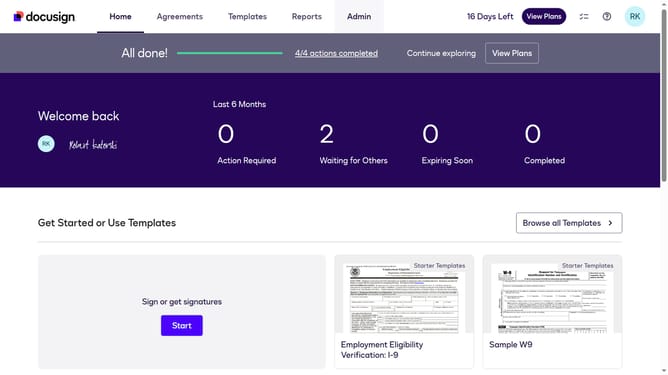
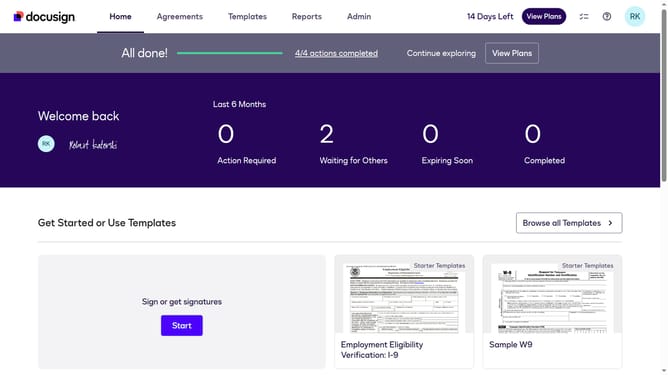
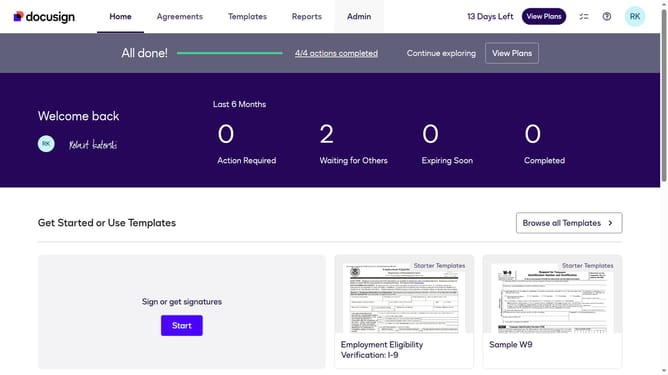
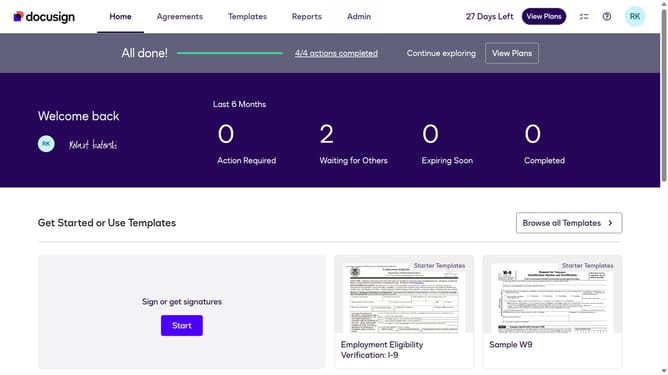
- First click on the "Agreements" tab in the top navigation menu
- Then click the three-dot menu button next to the document you want to transfer ownership of
- Next click on "Transfer Ownership" option from the dropdown menu
- Then select the user you want to transfer ownership to from the list in the Transfer Ownership dialog
- Finally click on the "Transfer" button to complete the ownership transfer
Why should you transfer ownership of a document in DocuSign
DocuSign is a leading platform for electronic agreements that simplifies and automates the signing process.
A key feature is its ability to transfer ownership of a document, allowing for seamless delegation and management. This ensures continuity and accountability when team roles shift.
By enabling easy ownership transfer, DocuSign enhances collaboration and efficiency, making it ideal for dynamic work environments. The feature strengthens workflows, providing clarity on document responsibilities.
Last update