How to disable email suppression for embedded signers in DocuSign
Here is how to disable email suppression for embedded signers in docusign
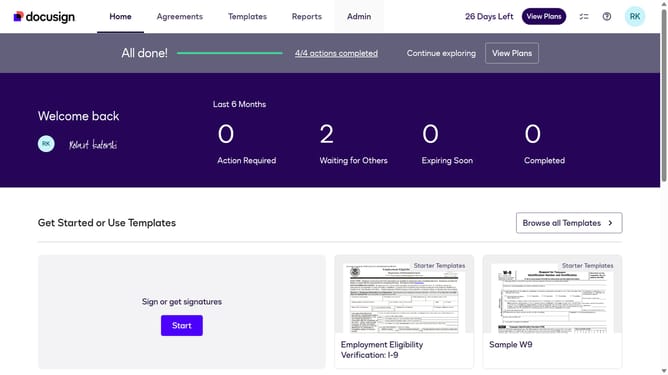
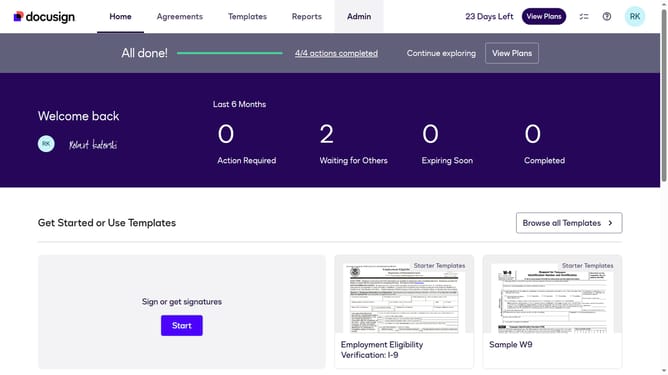
- First click on the "Admin" tab in the top navigation menu
- Then scroll down the page to view more options in the admin section
- Next click on "Signing Settings" in the left sidebar under the "SIGNING AND SENDING" section
- Then scroll down the page to view the "Envelope Delivery" settings
- Next uncheck the "Suppress emails to embedded signers" checkbox
- Finally click on the "Save Changes" button to apply the configuration changes
Why should you disable email suppression for embedded signers in DocuSign
DocuSign is a leading electronic signature platform designed to streamline and simplify digital document processing.
A valuable feature within DocuSign allows users to disable email suppression for embedded signers.
This functionality ensures that all relevant signing parties receive critical notifications and information related to their documents. Such notifications keep tasks on track, enhance collaboration, and reduce misunderstandings.
Enabling proactive communication through this feature heightens overall efficiency and ensures no step in the signing process is missed.
Last update