How to enable Key Terms Suggestions by document type in DocuSign
Here is how to enable key terms suggestions by document type in docusign
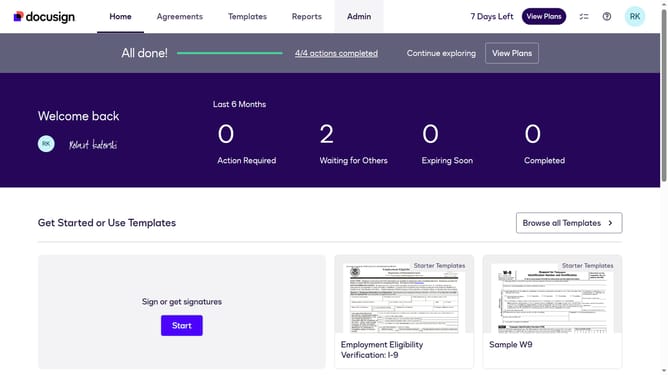
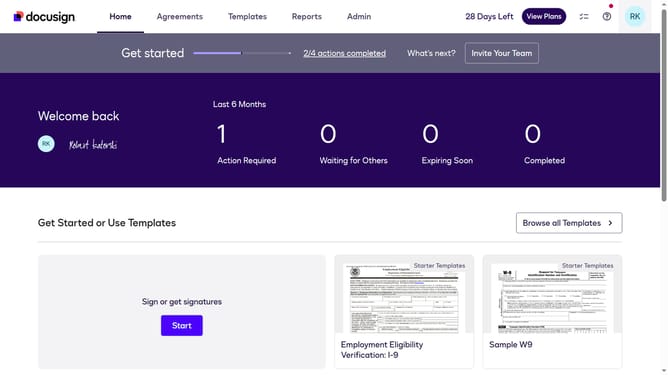
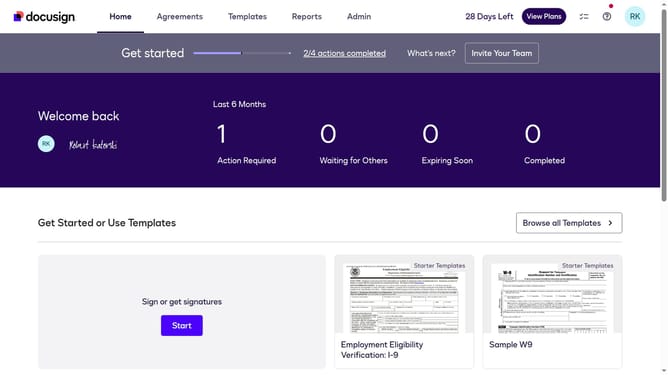
- First click on the "Admin" link in the top navigation menu
- Then scroll down the page to view more options in the admin section
- Next click on "Signing Settings" in the left sidebar under the "SIGNING AND SENDING" section
- Then scroll down the page to view additional signing settings options
- Next click on the checkbox labeled "Enable Key Terms Suggestions By Document Type" in the Recipients section
- Then scroll down the page to view more settings and options
- Finally click on the "Save Changes" button to apply the configuration changes
Why should you enable Key Terms Suggestions by document type in DocuSign
DocuSign offers a seamless digital environment for handling documents securely and efficiently.
One standout feature is the ability to enable Key Terms Suggestions by document type, enhancing the management of your agreements. This feature intelligently suggests relevant terms based on the type of document, making the drafting process faster and more accurate.
Utilizing this feature can lead to improved consistency across legal documents and reduced time spent on manual editing. It streamlines workflows, allowing teams to focus on strategic tasks rather than administrative details.
Last update