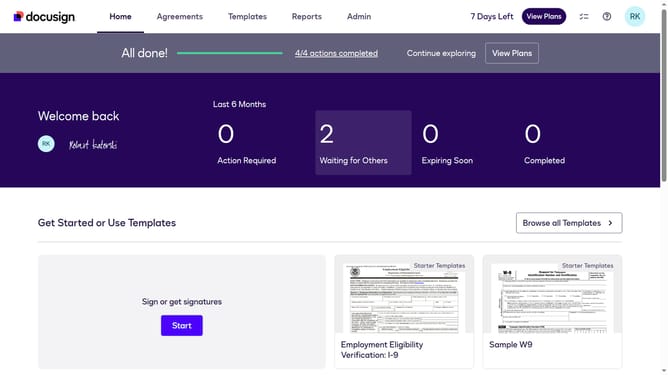
How to remove the minimum password age requirement in DocuSign
Here is how to remove the minimum password age requirement in docusign
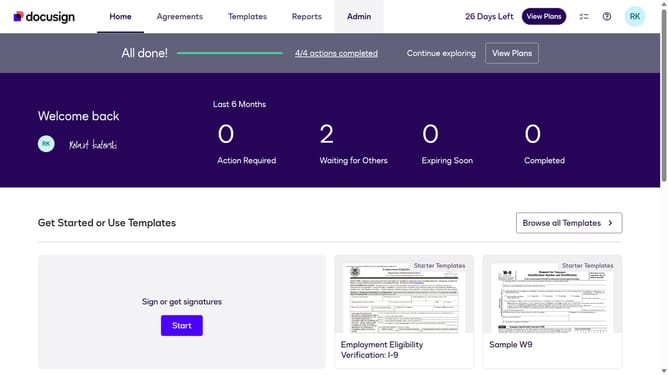
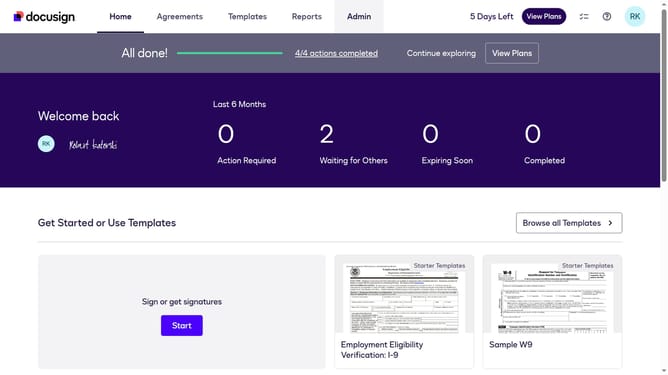
- First click on the "Admin" tab in the top navigation menu
- Then click on "Security Settings" link in the left sidebar under the ACCOUNT section
- Next scroll down to view more options
- Then click on the "Show Password Rules" button in the Password Security section
- Then clear the "Minimum password age (0 or more days)" field and enter "0"
- Finally click on the "Save" button to save the password rule changes
Why should you remove the minimum password age requirement in DocuSign
DocuSign is an innovative platform that streamlines electronic agreements, making signing documents effortless and efficient.
In DocuSign, adjusting the minimum password age requirement can enhance user flexibility, allowing immediate password updates when necessary. This feature is particularly beneficial for enterprises with high-security needs, where password modifications need to be made swiftly without waiting periods.
By bypassing the minimum age requirement, businesses can maintain agile security practices, significantly improving operational efficiency in managing sensitive document transactions.
Last update