How to disable recipient ability to create a DocuSign account in DocuSign
Here is how to disable recipient ability to create a docusign account in docusign
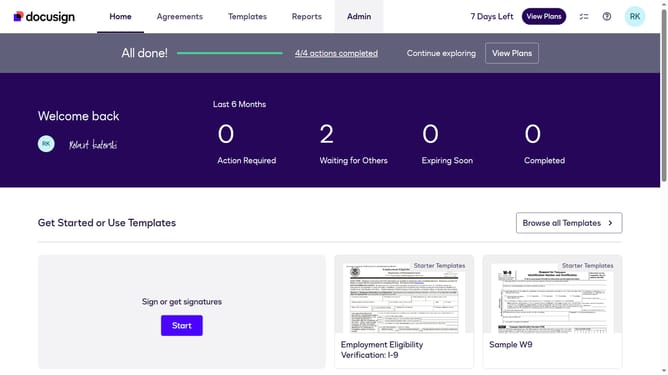
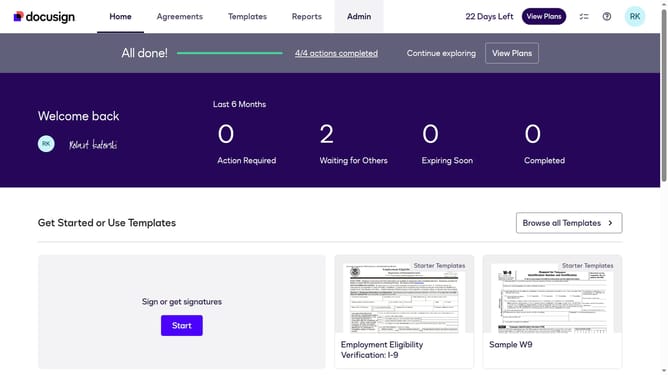
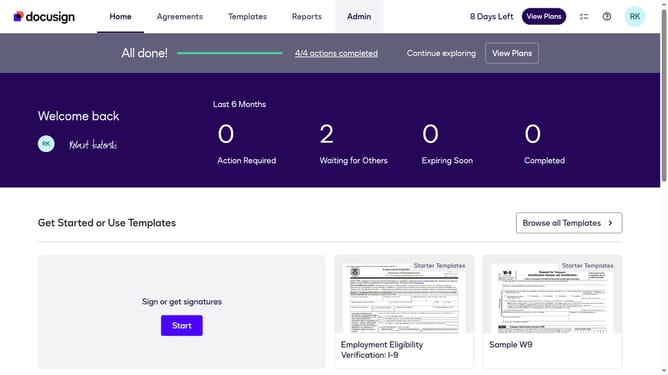
- First click on the "Admin" tab in the top navigation menu
- Then scroll down the page to view more admin settings options
- Next click on "Signing Settings" in the left sidebar under the "SIGNING AND SENDING" section
- Then scroll down the page to view additional signing settings
- Next uncheck the checkbox labeled "Allow recipients to create a Docusign account" to disable this option
- Then scroll down the page to view more configuration options
- Finally click on the "Save Changes" button to save the updated signing settings
Why should you disable recipient ability to create a DocuSign account in DocuSign
DocuSign revolutionizes document management by enabling secure electronic signatures and efficient document handling.
One valuable feature in DocuSign is the ability to disable the recipient's ability to create a DocuSign account. This ensures that sensitive documents are handled without additional account creation, maintaining security.
This feature benefits businesses by streamlining workflows and reducing unnecessary steps, providing a seamless signing experience while focusing on efficiency and confidentiality.
Last update