How to trigger events when a DocuSign Click agreement is declined in DocuSign
Here is how to trigger events when a docusign click agreement is declined in docusign
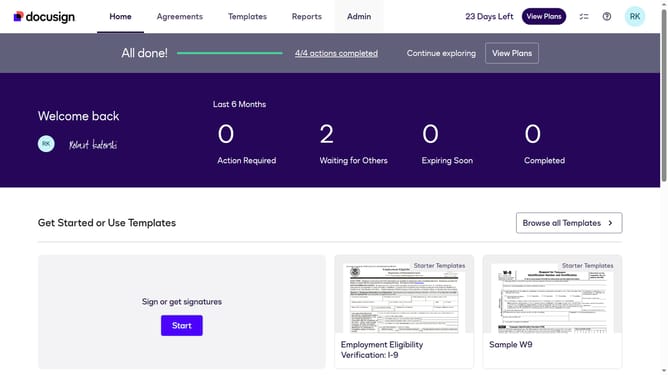
- First click on the "Admin" tab in the top navigation menu
- Then scroll down the page to view additional admin options
- Next click on the "Connect" link in the left sidebar under the INTEGRATIONS section
- Then click on the "Actions" dropdown button next to a custom configuration in the configurations table
- Next select the "Edit" option from the Actions dropdown menu
- Then scroll down the page to view the Trigger Events section
- Next click on the "Docusign Click" section to expand it
- Then click on the "Click Declined" checkbox to enable it
- After that scroll down to the bottom of the page to view the save button
- Finally click on the "Save Configuration" button to save the changes
Why should you trigger events when a DocuSign Click agreement is declined in DocuSign
DocuSign streamlines the process of electronic signatures, making workflows simpler and more efficient.
One exceptional feature is the ability to trigger events when a DocuSign Click agreement is declined. This capability helps businesses immediately address issues as they arise.
By utilizing this feature, you can activate alerts or workflow changes, ensuring you’re informed and responsive. This proactive approach aids in maintaining smooth operations and improves overall communication.
Embracing these triggers enhances your ability to adapt to client needs and maintain robust business relationships.
Last update