How to stop triggering events when a template is created in DocuSign
Here is how to stop triggering events when a template is created in docusign
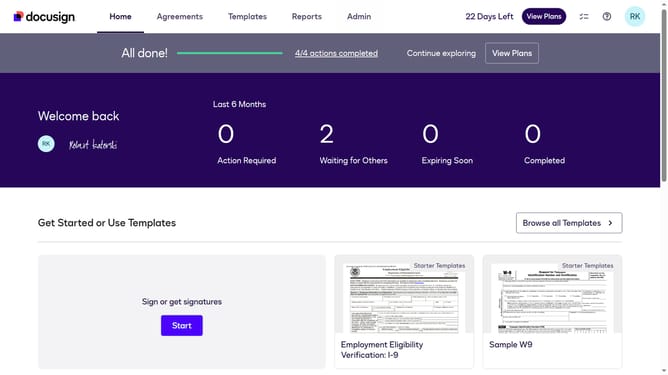
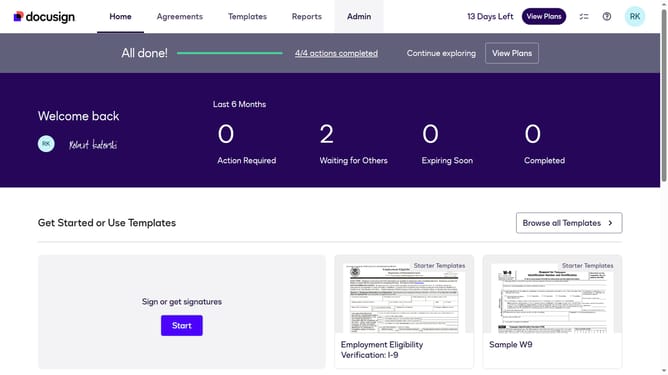
- First click on the "Admin" link in the top navigation menu
- Then scroll down the page to view additional admin options
- Next click on the "Connect" option in the left sidebar under the INTEGRATIONS section
- Then click on the "Actions" dropdown button next to a custom configuration in the configurations table
- Next select "Edit" from the Actions dropdown menu
- Then scroll down the page to view the Trigger Events section
- Next click on the "Template" accordion to expand the template trigger events
- Then uncheck the "Template Created" checkbox to disable this trigger event
- Next scroll down to the bottom of the page to view the save options
- Finally click on the "Save Configuration" button to save the changes
Why should you stop triggering events when a template is created in DocuSign
DocuSign simplifies electronic agreements, making workflows efficient and secure.
Stopping the trigger of events when creating a template in DocuSign can significantly streamline your document management process. This feature increases control over automation, letting users focus on essential tasks without unnecessary notifications or actions.
Harnessing this ability enables teams to maintain streamlined operations by preventing repetitive event prompts, ensuring that attention remains on priority notifications. Ultimately, this enhances productivity and minimizes distractions.
Last update