How to hide the groups column under the users section in DocuSign
Here is how to hide the groups column under the users section in docusign
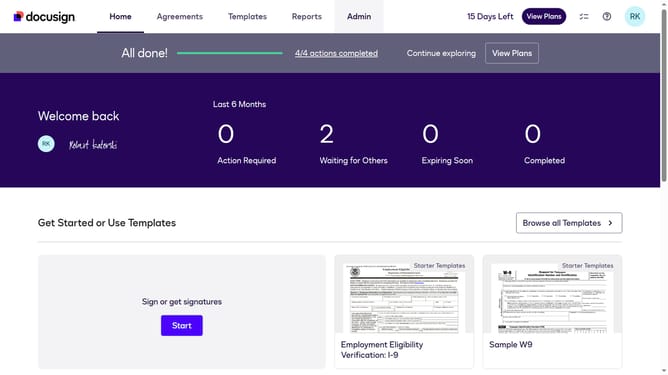
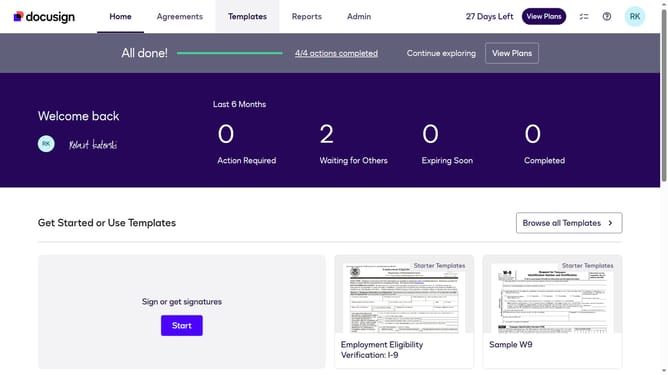
- First click on the "Admin" link in the top navigation menu
- Then scroll down the page to view the sidebar menu options
- Next click on the "Users" link in the left sidebar navigation
- Then click on the settings icon (gear icon) in the top right corner of the users table
- Next click on the "Groups" checkbox to deselect it in the column visibility modal
- Finally click on the "Apply" button to save the column visibility changes
Why should you hide the groups column under the users section in DocuSign
DocuSign is a leading electronic signature platform designed to simplify and streamline document management and signing processes.
The feature to hide the groups column under the users section allows for a cleaner interface within DocuSign, enhancing user focus and efficiency.
By eliminating unnecessary data, users can better concentrate on key information, resulting in improved workflow and less distraction.
Ultimately, this feature contributes to a more tailored and user-friendly experience, ensuring teams can operate with clarity and precision.
Last update