How to allow senders to override comment settings in DocuSign
Here is how to allow senders to override comment settings in docusign
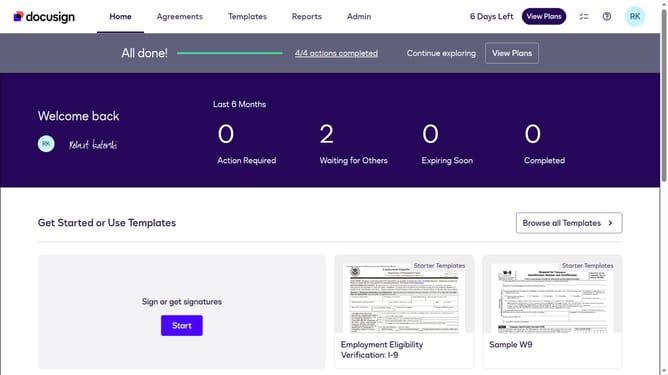
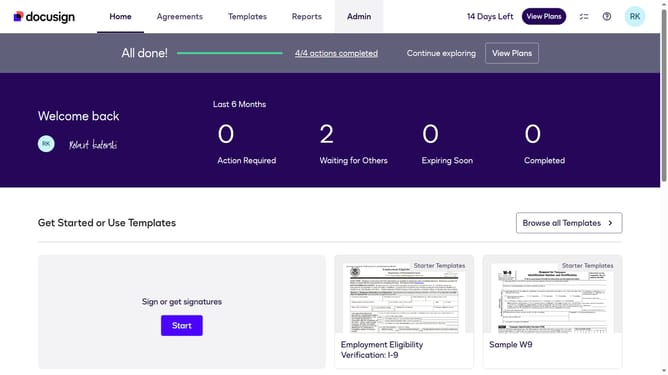
- First click on the "Admin" link in the top navigation menu
- Then scroll down the page to view additional content in the sidebar
- Next click the "Comments" in the left sidebar under the SIGNING AND SENDING section
- Then click the "Allow senders to override" checkbox
- Finally confirm the changes by clicking the "Save Changes" button
Why should you allow senders to override comment settings in DocuSign
DocuSign is a leading eSignature solution, seamlessly streamlining document workflows for businesses worldwide.
In DocuSign, allowing senders to override comment settings offers enhanced flexibility and communication control during document signings.
This feature empowers senders to tailor interactions to specific needs, ensuring clarity and effective feedback.
By managing comment settings, users can facilitate smoother document exchanges, improving collaboration and ultimately accelerating transaction completions.
Last update