How to disable comments in envelopes sent from your account in DocuSign
Here is how to disable comments in envelopes sent from your account in docusign
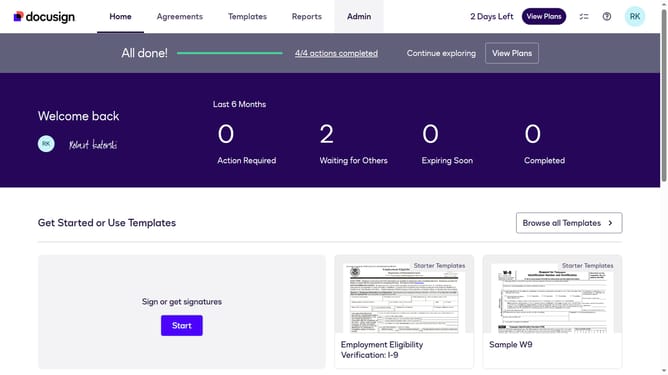
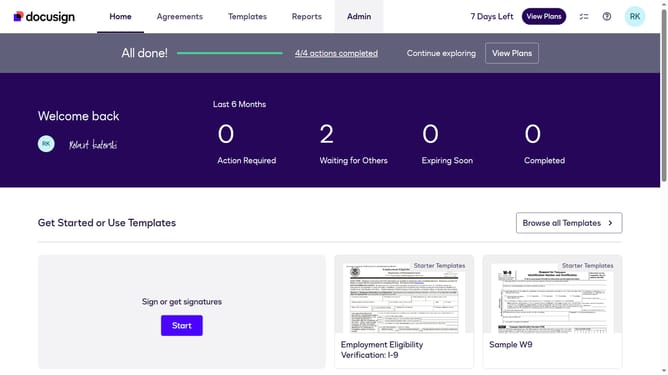
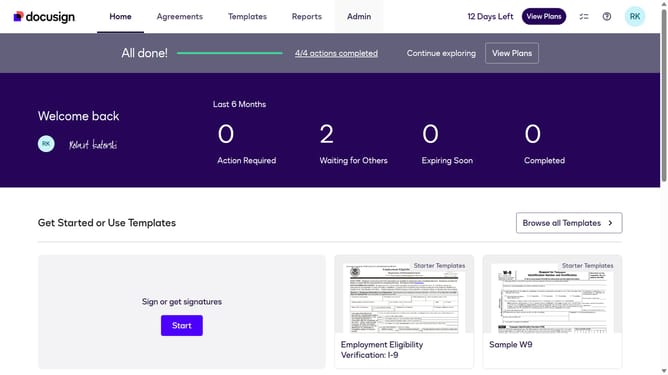
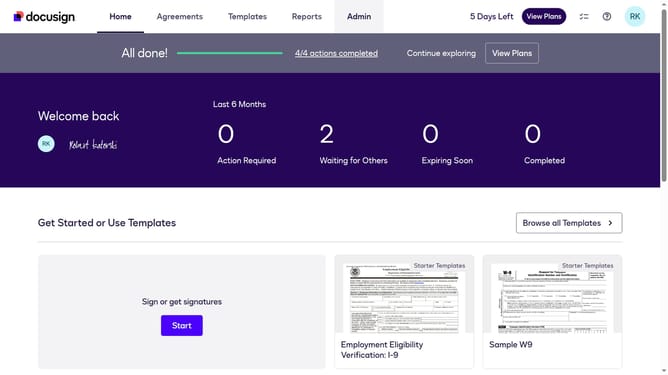
- First click on the "Admin" link in the top navigation menu
- Then scroll down and click on the "Comments" option in the left sidebar under the "SIGNING AND SENDING" section
- Next click the "Comments" in the left sidebar under the SIGNING AND SENDING section
- Next uncheck the checkbox labeled "Enable comments in envelopes sent from this account" to disable it
- Finally confirm the changes by clicking the "Save Changes" button again
Why should you disable comments in envelopes sent from your account in DocuSign
DocuSign is a leading digital platform for e-signature solutions, enabling efficient and secure document management.
Disabling comments in envelopes sent from your account helps maintain focus on the essential transaction details.
This feature offers a streamlined communication process, reducing unnecessary distractions for recipients.
By using it, you ensure that your documents maintain their intended purpose, increasing professionalism and clarity in your business dealings.
Last update