How to require at least one digit in passwords in DocuSign
Here is how to require at least one digit in passwords in docusign
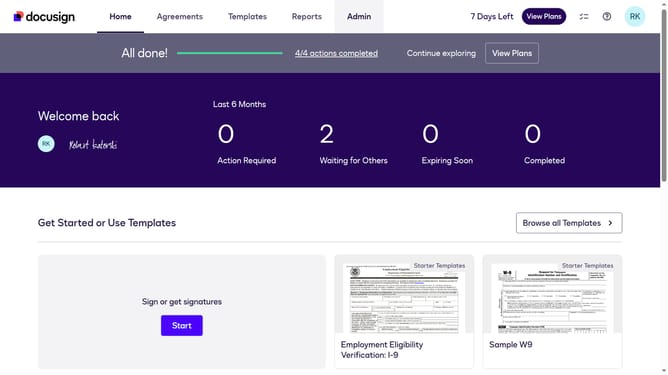
- First click on the "Admin" link in the top navigation menu
- Then click on the "Security Settings" link in the left sidebar under the ACCOUNT section
- Next scroll down the page to view the Password Security section
- Then click on the "Show Password Rules" button in the Password Security section
- In the Password Rules modal dialog, scroll down to view the password requirements checkboxes
- Then click on the "At least one digit" checkbox to enable this password requirement
- Finally click on the "Save" button at the bottom of the Password Rules modal dialog
Why should you require at least one digit in passwords in DocuSign
DocuSign offers an effortless way to manage electronic agreements securely.
Requiring at least one digit in passwords elevates password strength within DocuSign, adding an extra layer of protection for sensitive documents.
This feature ensures robust security, reducing the likelihood of unauthorized access by enforcing stronger, more complex passwords.
By enhancing password complexity, users can have greater peace of mind, knowing that their digital signatures and confidential information remain safeguarded within a trusted platform.
Last update