How to trigger an event when a recipient signs or completes an envelope in DocuSign
Here is how to trigger an event when a recipient signs or completes an envelope in docusign
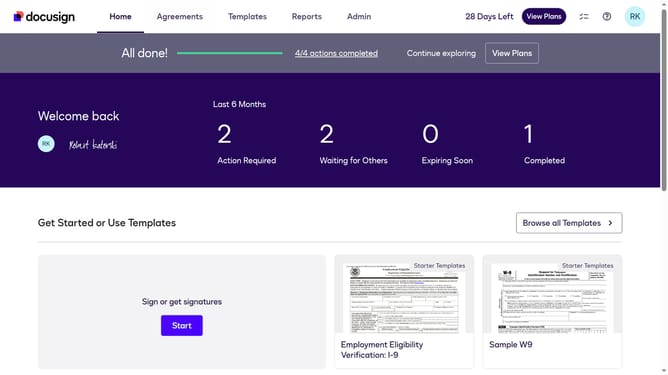
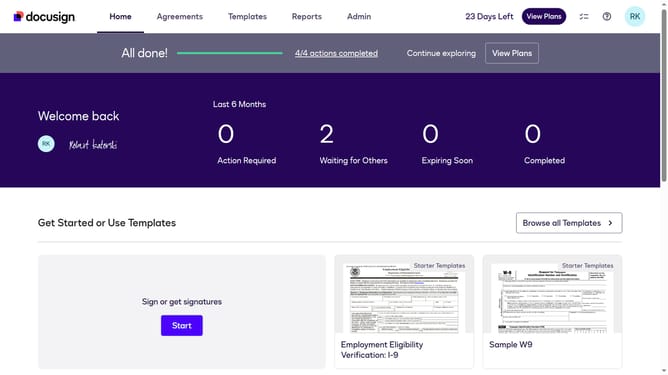
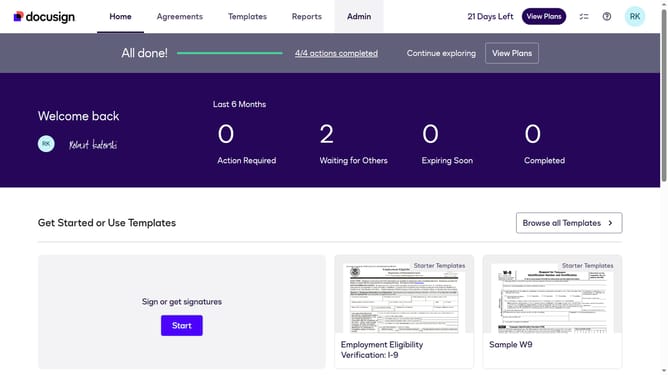
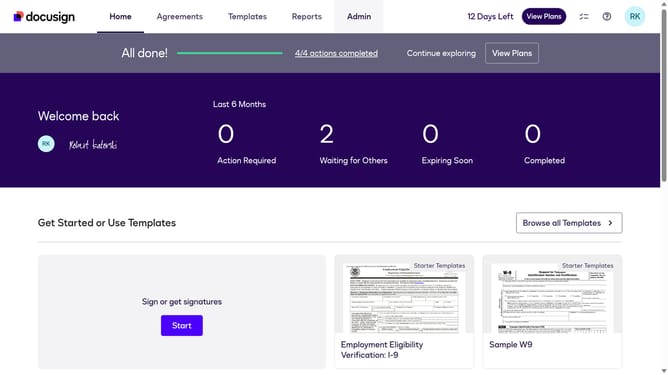
- First click on the "Admin" tab in the top navigation menu
- Then scroll down to view more options
- Next click on the "Connect" link in the left sidebar under the INTEGRATIONS section
- Then click on the "Actions" dropdown button next to a custom configuration you want to enable a trigger event in the configurations table
- Next select the "Edit" option from the Actions dropdown menu
- Then scroll down the page using the scrollbar to view more configuration options
- Next expand the "Envelope and Recipients" section by clicking on the arrow down button next to it
- Then check the "Recipient Signed/Completed" checkbox in the Envelope Events section
- Scroll down further to view the authentication and security settings
- Finally click on the "Save Configuration" button to save the changes
Why should you trigger an event when a recipient signs or completes an envelope in DocuSign
DocuSign revolutionizes the way we manage digital agreements, ensuring convenience and security for signing documents online.
The feature to trigger events when a recipient signs or completes an envelope in DocuSign enhances the workflow by providing instant notifications. This capability allows businesses to react swiftly to document completions and take immediate action without unnecessary delays.
By automating the notification process, users can maintain high efficiency and ensure seamless communication. Leveraging this feature adds a layer of proactive management to any document process, boosting productivity and reducing time-to-completion.
Last update