How to disable triggering an event when an envelope is resent to a recipient in DocuSign
Here is how to disable triggering an event when an envelope is resent to a recipient in docusign
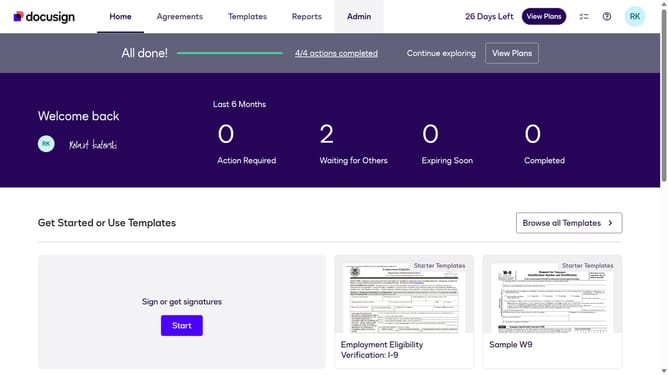
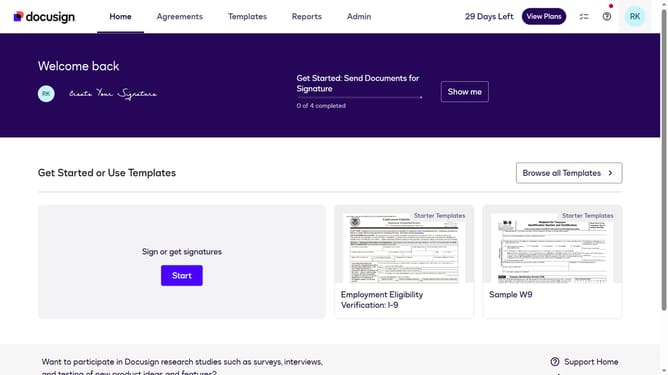
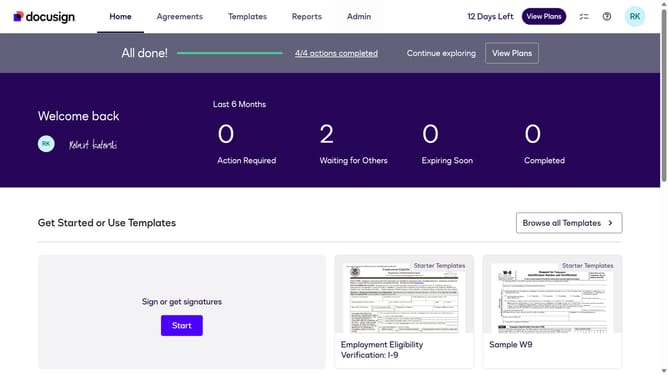
- First click on the "Admin" link in the top navigation menu
- Then scroll down the page to view more content in the admin section
- Next click on the "Connect" link in the left sidebar under the INTEGRATIONS section
- Then click on the "Actions" dropdown button next to a custom configuration you want to disable a trigger event in the configurations table
- Next select the "Edit" option from the Actions dropdown menu
- Then scroll down the page to view the Trigger Events section
- Next click on the "Envelope and Recipients" accordion to expand it
- Then uncheck the "Recipient Resent" checkbox to disable this trigger event
- Next scroll down to the bottom of the page to view the save button
- Finally click on the "Save Configuration" button to save the changes
Why should you disable triggering an event when an envelope is resent to a recipient in DocuSign
DocuSign revolutionizes the signing process, making electronic signatures accessible and efficient for businesses and individuals worldwide.
A key feature of DocuSign allows the disabling of event triggers when an envelope is resent to a recipient. By leveraging this feature, users can prevent unnecessary notifications and clutter, ensuring communication remains streamlined and purposeful.
This functionality proves highly beneficial for those managing multiple transactions, enhancing control over notification flow and reducing potential confusion for recipients. Ultimately, this leads to a more organized and efficient signing experience.
Last update