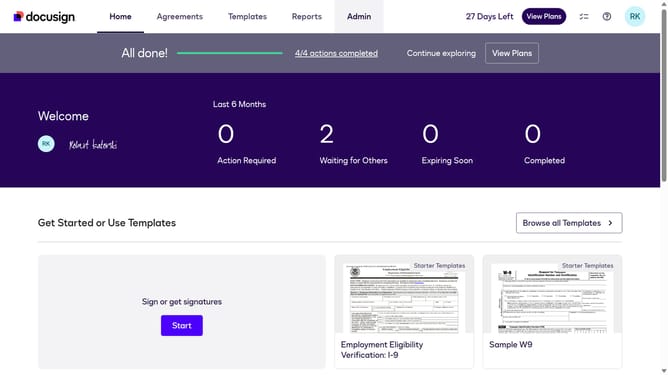
How to select the finance/accounting use case in the esignature value calculator in DocuSign
Here is how to select the finance/accounting use case in the esignature value calculator in docusign
- First click on the "Admin" link in the top navigation menu
- Then click on the "Value Calculator" link in the left sidebar under the ACCOUNT section
- Next click on the "Select Use Case" dropdown menu and select "Finance/Accounting" option
- Finally scroll down the page to view the updated benchmark data
Why should you select the finance/accounting use case in the esignature value calculator in DocuSign
DocuSign streamlines the signing process, making it effortless to manage documents online.
When employing the eSignature value calculator, choosing the finance/accounting use case can reveal invaluable insights tailored to financial operations.
The finance/accounting option hones in on industry-specific needs, showcasing efficiency improvements, cost savings, and enhanced tracking capabilities that digital signatures can offer.
The benefits are compelling, offering clarity and tangible value, which help streamline procedures for financial professionals.
Last update