How to enable Google Drive as a document source in DocuSign
Here is how to enable google drive as a document source in docusign
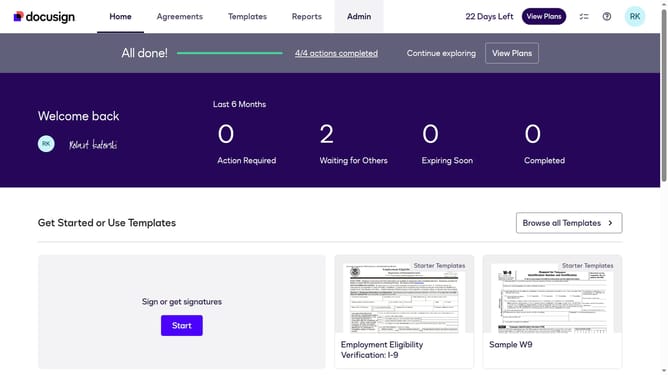
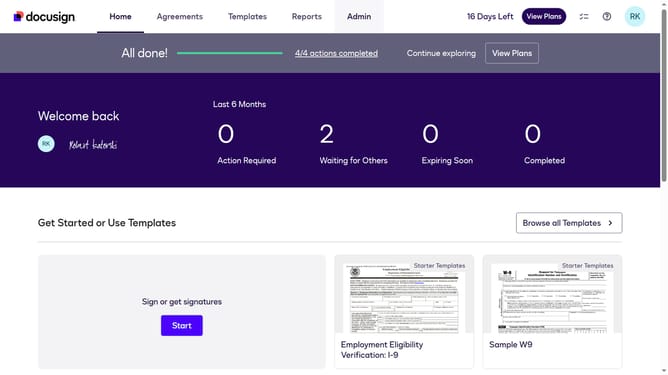
- First click on the "Admin" link in the top navigation menu
- Then scroll down the page to view more admin settings options
- Next click on the "Sending Settings" option in the left sidebar under the "SIGNING AND SENDING" section
- Then scroll down the page to view the "Document Sources" section
- Next click the "Google Drive" checkbox to enable Google Drive as a document source
- Finally click on the "Save Changes" button to save the updated settings
Why should you enable Google Drive as a document source in DocuSign
DocuSign revolutionizes electronic agreements, offering seamless document management and signing solutions.
Integrating Google Drive as a document source within DocuSign enhances efficiency by allowing direct access to stored files, streamlining the document signing process.
This feature ensures that documents are easily accessible and up-to-date, reducing time spent on manual uploads and fostering improved collaboration and productivity.
Leveraging Google Drive within DocuSign allows for secure, organized document handling, making workflows more agile and hassle-free.
Last update