How to set password strength to custom in DocuSign
Here is how to set password strength to custom in docusign
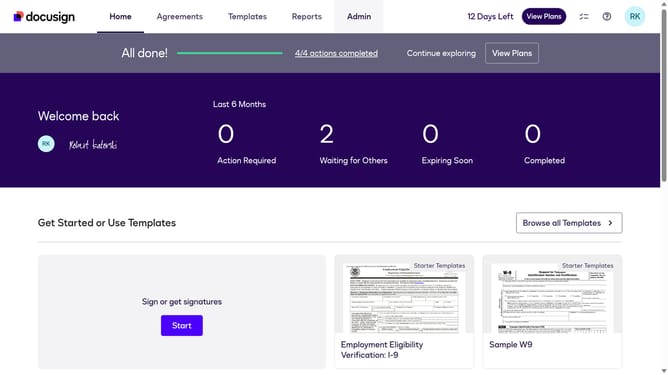
- First click on the "Admin" link in the top navigation menu
- Then click on the "Security Settings" option in the left sidebar under the ACCOUNT section
- Next scroll down the page to view the Password Security section
- Then click on the "Show Password Rules" button in the Password Security section
- Next click on the "Password Strength" dropdown menu and select "Custom" option
- Finally click on the "Save" button again to confirm the password rule changes
Why should you set password strength to custom in DocuSign
DocuSign is a secure platform that enables convenient digital signature management for businesses and individuals.
Customizing password strength in DocuSign enhances security by allowing users to specify their desired level of protection. This feature ensures sensitive documents remain accessible only to authorized individuals.
Implementing a custom password strength policy can help prevent unauthorized access, safeguarding confidential information and enhancing user confidence.
By setting tailored password requirements, users can align security measures with their specific organizational needs.
Last update