How to enable sender notification when envelope delivery to a recipient fails for an API user in DocuSign
Here is how to enable sender notification when envelope delivery to a recipient fails for an api user in docusign
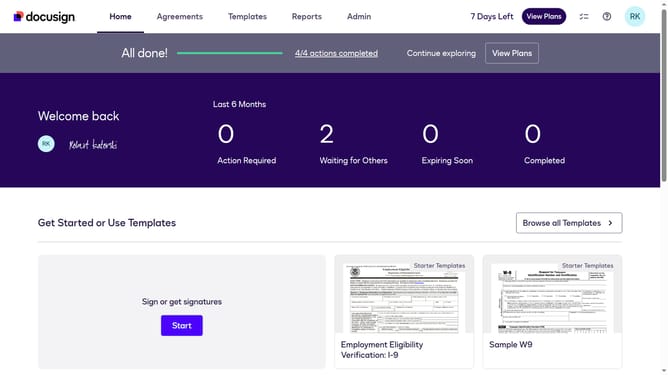
- First click on the "Admin" link in the top navigation menu
- Then scroll down the page to view additional options in the Admin section
- Next click on "Email Preferences" in the left sidebar under the "SIGNING AND SENDING" section
- Then click on the "API User" tab to switch to API user email preferences
- Next scroll down the page to view more email notification options for API users
- Then check the checkbox for the "Envelope delivery to a recipient fails" option
- Finally click on the "Save Changes" button to save the updated email preferences
Why should you enable sender notification when envelope delivery to a recipient fails for an API user in DocuSign
DocuSign revolutionizes electronic agreements by making digital signing a breeze.
For API users, enabling sender notifications for envelope delivery failures ensures you remain informed if a recipient doesn't receive the document.
This proactive measure elevates your document management strategy, allowing you to swiftly address any issues, enhance communication efficiency, and maintain a streamlined workflow.
By leveraging this feature, you ensure higher delivery success rates and bolstered trust in your electronic transactions.
Last update