How to disable notifications when an envelope is sent to a signing group for an API user in DocuSign
Here is how to disable notifications when an envelope is sent to a signing group for an api user in docusign
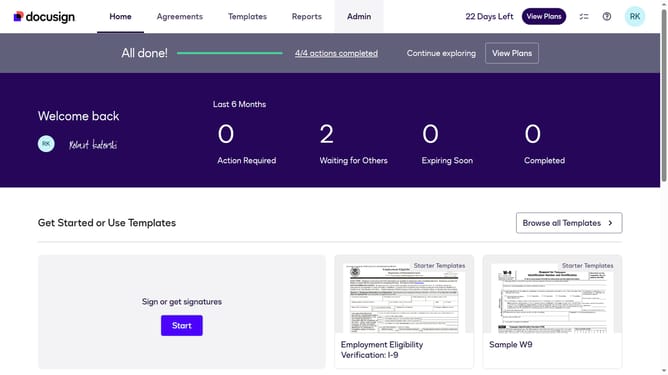
- First click on the "Admin" tab in the top navigation menu
- Then scroll down the page to view additional options in the Admin section
- Next click on "Email Preferences" in the left sidebar under the "SIGNING AND SENDING" section
- Then click on the "API User" tab to switch to API user email preferences
- Next scroll down the page to view more email notification options for API users
- Then uncheck the checkbox for "An envelope is sent to a signing group which I belong"
- Scroll down the page to view more options
- Finally click on the "Save Changes" button to save the updated email preferences
Why should you disable notifications when an envelope is sent to a signing group for an API user in DocuSign
DocuSign is a leading platform that empowers businesses to manage electronic agreements efficiently and securely.
For API users, disabling notifications when an envelope is sent to a signing group can streamline workflow and reduce distractions. This feature ensures that users receive only the most pertinent updates, allowing them to maintain focus on priority tasks.
By customizing notifications, businesses can enhance productivity and ensure key stakeholders are kept informed without unnecessary interruptions. This optimizes communication and keeps teams aligned efficiently.
Last update