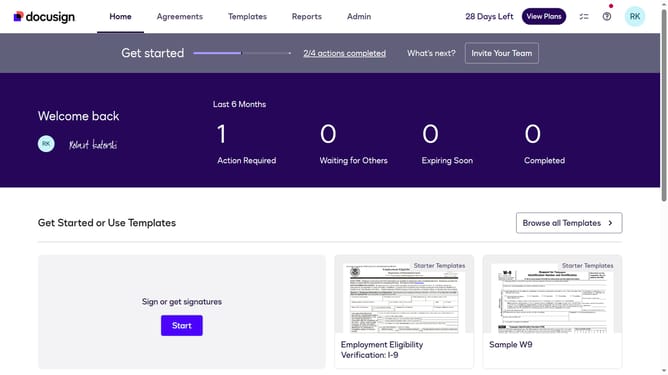
How to choose technology in the esignature value calculator in DocuSign
Here is how to choose technology in the esignature value calculator in docusign
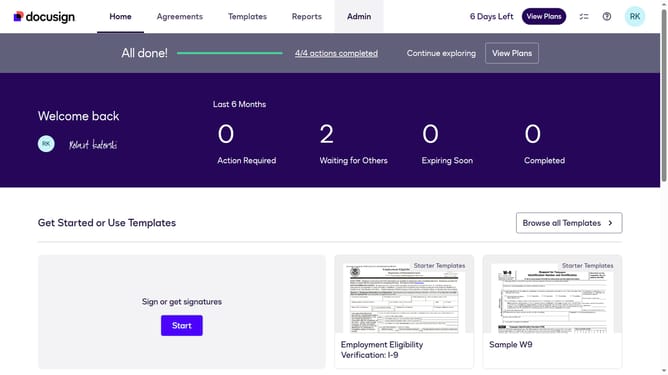
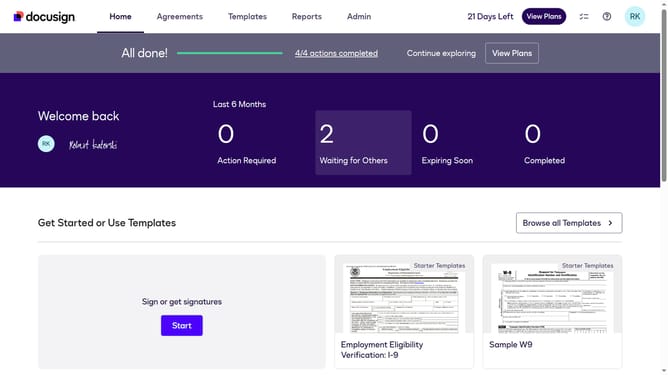
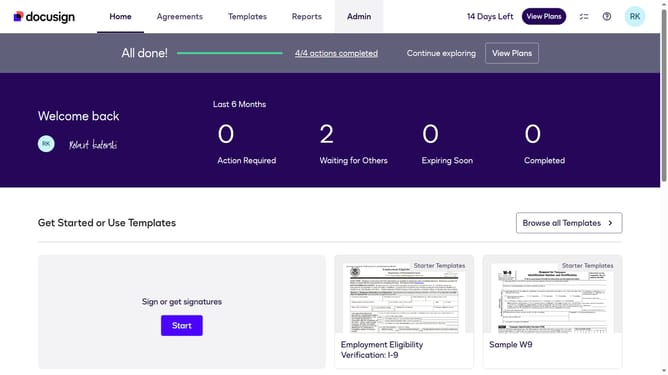
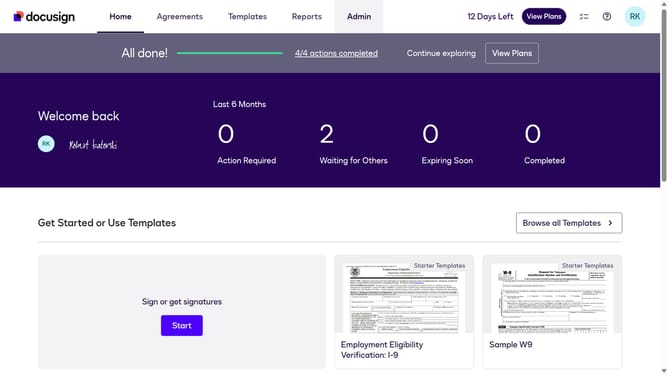
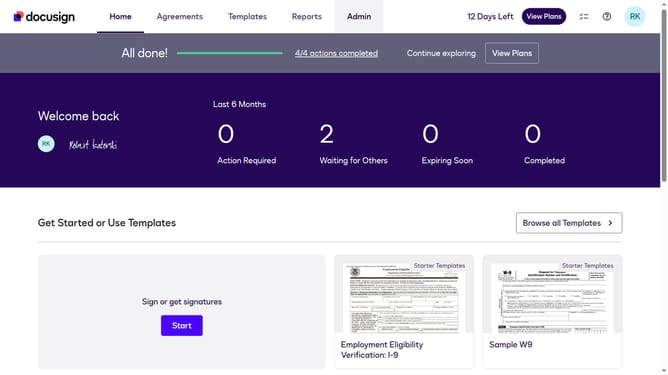
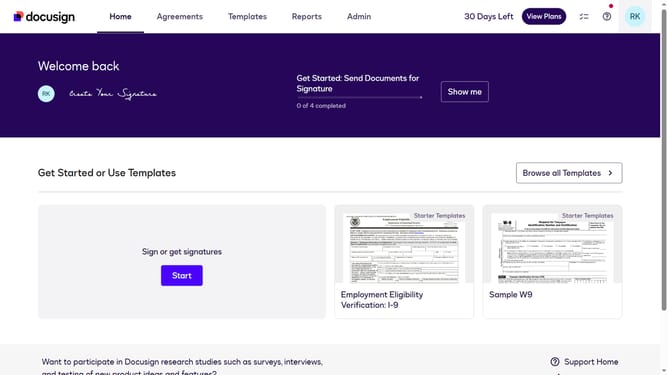
- First click on the "Admin" navigation link in the top menu
- Then click on the "Value Calculator" option in the left sidebar under the ACCOUNT section
- Next click on the "Select Industry" dropdown menu and select the "Technology" option
- Finally scroll down the page to view the updated benchmark data results
Why should you choose technology in the esignature value calculator in DocuSign
DocuSign streamlines the agreement process with its efficient electronic signature solutions.
Understanding the technology selection in the eSignature Value Calculator is crucial for maximizing DocuSign's potential. By choosing the right technology, users can customize their experience to suit specific business needs, ensuring seamless integration and enhanced productivity.
The calculator helps pinpoint the perfect technology, unlocking cost savings and boosting workflow efficiency. This thoughtful selection not only enhances user satisfaction but also drives superior business outcomes.
Last update