How to enable witness signing in DocuSign
Here is how to enable witness signing in docusign
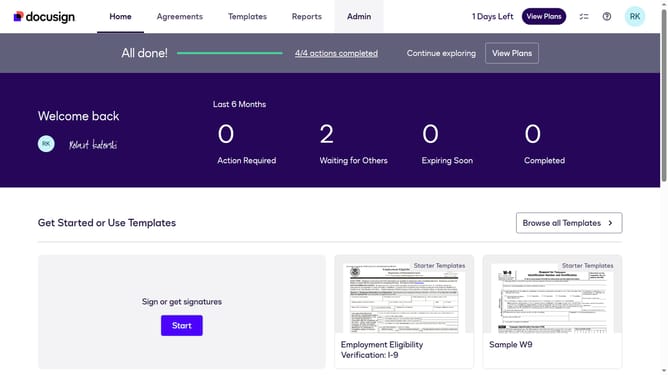
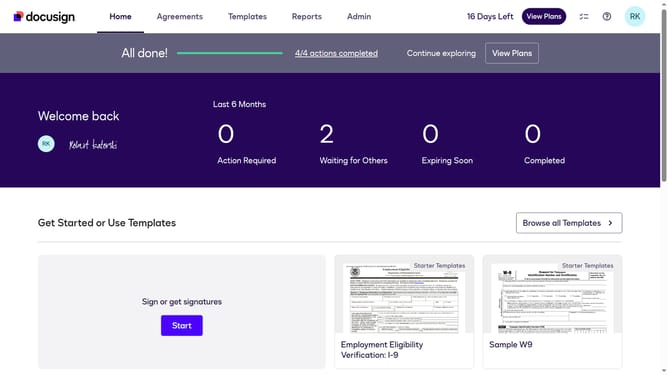
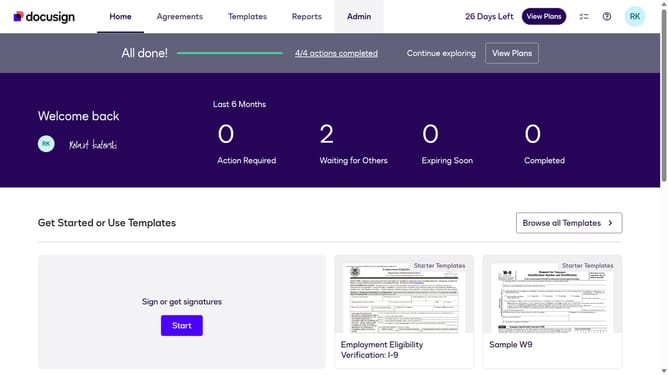
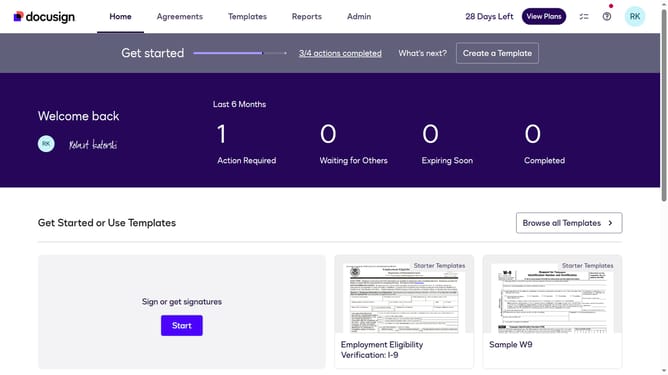
- First click on the "Admin" tab in the top navigation menu
- Then scroll down the page to view more admin settings options
- Next click on the "Sending Settings" option in the left sidebar under the "SIGNING AND SENDING" section
- Then scroll down the page to view additional sending settings
- Next check the "Enable Witness Signing (Allow sender to assign a witness for signers" checkbox
- Then scroll down to the bottom of the page to view the save button
- Finally click on the "Save Changes" button at the bottom of the page
Why should you enable witness signing in DocuSign
DocuSign provides a seamless platform for electronic signatures, focusing on enhancing efficiency and security.
Enabling witness signing in DocuSign adds an extra layer of authenticity to your documents by requiring witnesses, thereby increasing trust and compliance.
This feature is crucial for critical agreements where third-party validation is needed, ensuring all parties involved have confidence in the document's legitimacy.
By utilizing witness signing, users can safeguard sensitive agreements and demonstrate thorough diligence in document execution.
Last update